Cobalt 8.1 - 20181029
394
Sequences - Links
A sequence step can have a link to Master fades, a Master Page, a different sequence step (see NOTE
in this explanation), and a Macro.
All links are done in the Sequence List which can be opened with # SEQ or Browser >Main Show
Data >Sequences >#.
Sequence Step Links - Master Playbacks
Master Links are loaded when the Sequence step is loaded to the B field. They are faded when GO is
pressed or the crossfade faders are moved.
Function Key Feedback
1. Select MastLink column* Arrow keys The column is highlighted
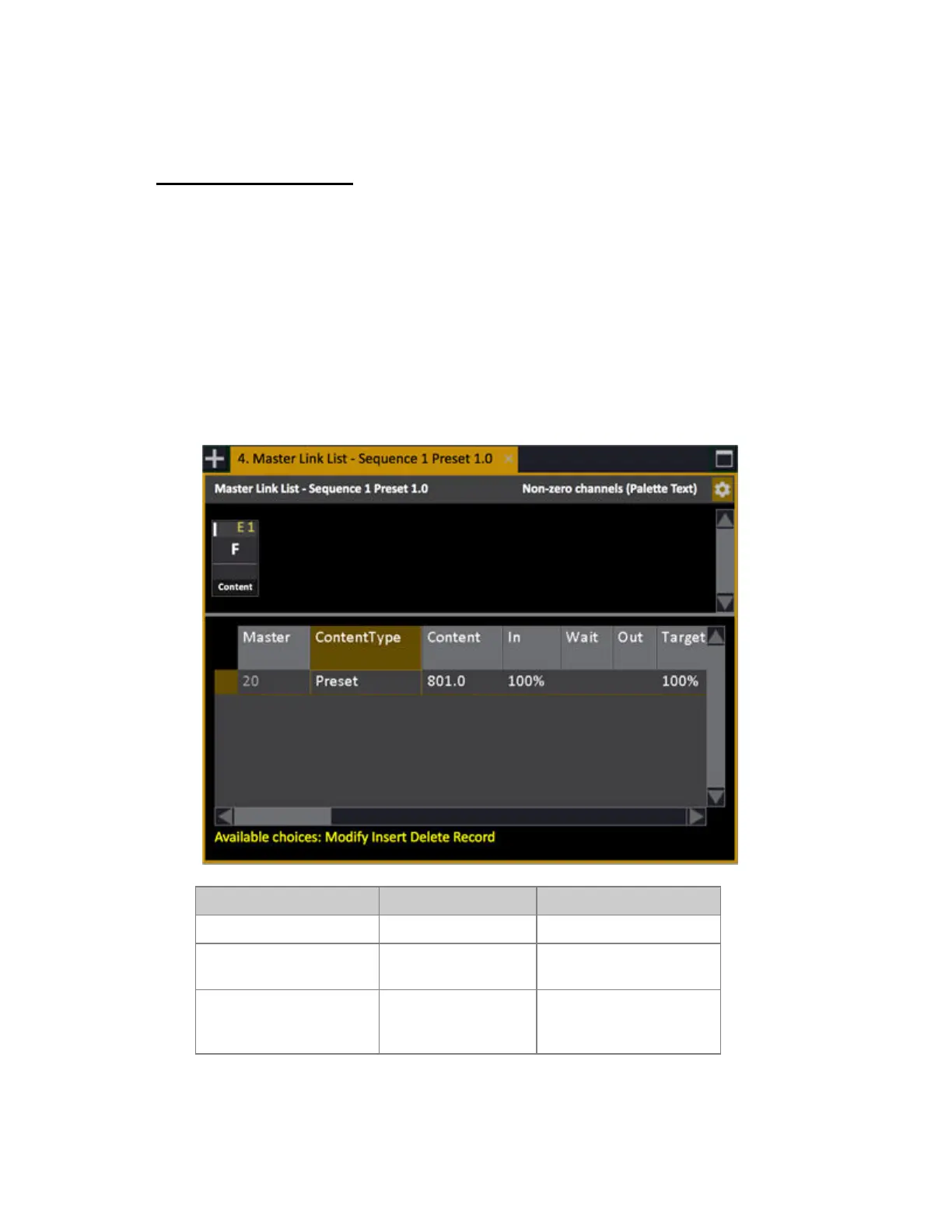
2. Open Master Link List
[MODIFY]
The Master Link List is
open.
3. Insert a link to Master #
[#] [INSERT]
Master # is linked, with its
current content, and a target
level of 100%.



 To Next Page