Cobalt 8.1 - 20181029
289
1. When an intensity or parameter is parked there is a PARK indication at the top of every
screen.
2. Channels that have parked parameters are dimmed.
3. Parameter cells that are parked are dimmed.
Park - Parked Items List
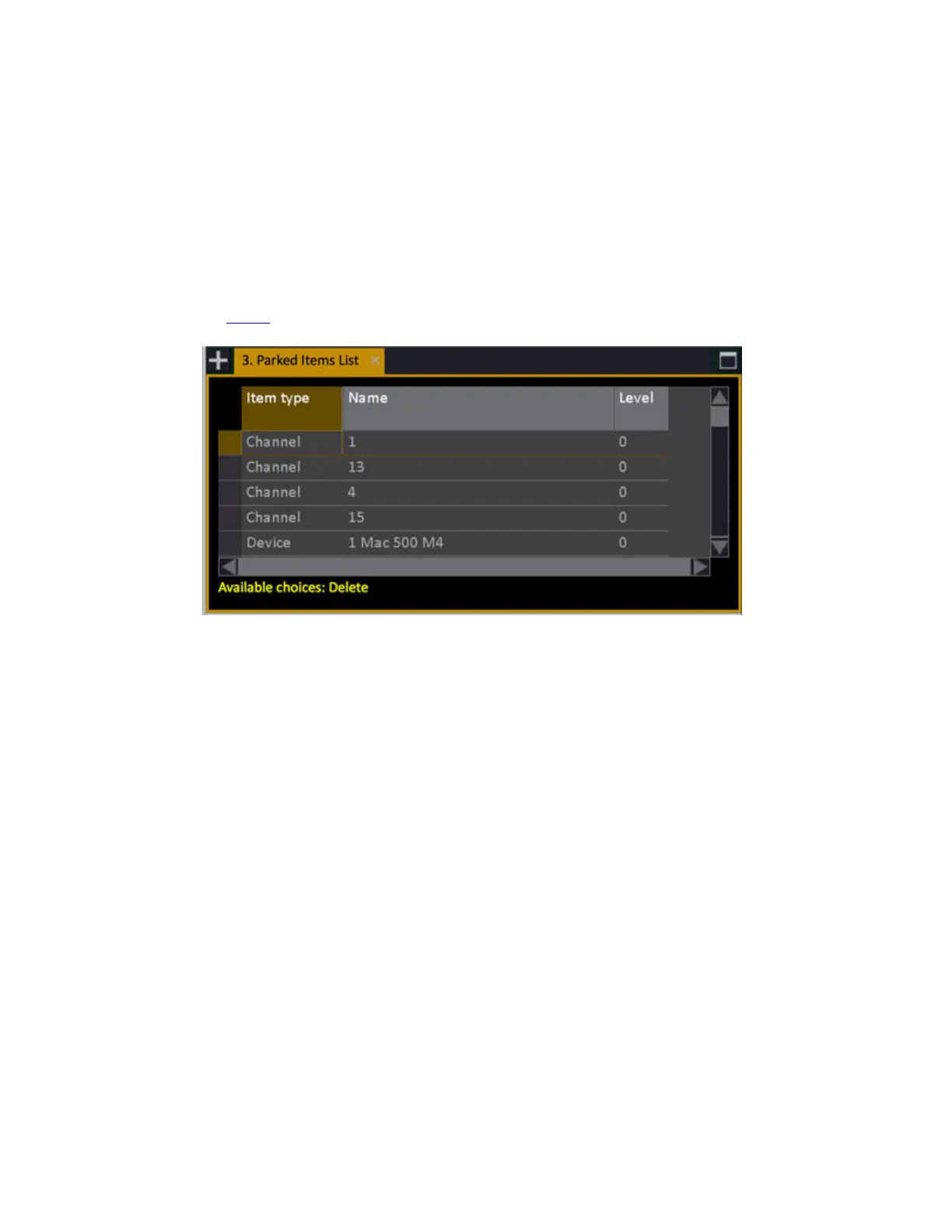
The Parked Items list shows all parked channels, intensities and attributes.
Individual items can be unparked by selecting the appropriate row and pressing [DELETE].
See Parked
.



 To Next Page