Cobalt 8.1 - 20181029
548
For more functions see Magic Sheets - Object Color, Target & Attributes
Magic Sheets Editor - Array, Align & Distribute Objects (8.0)
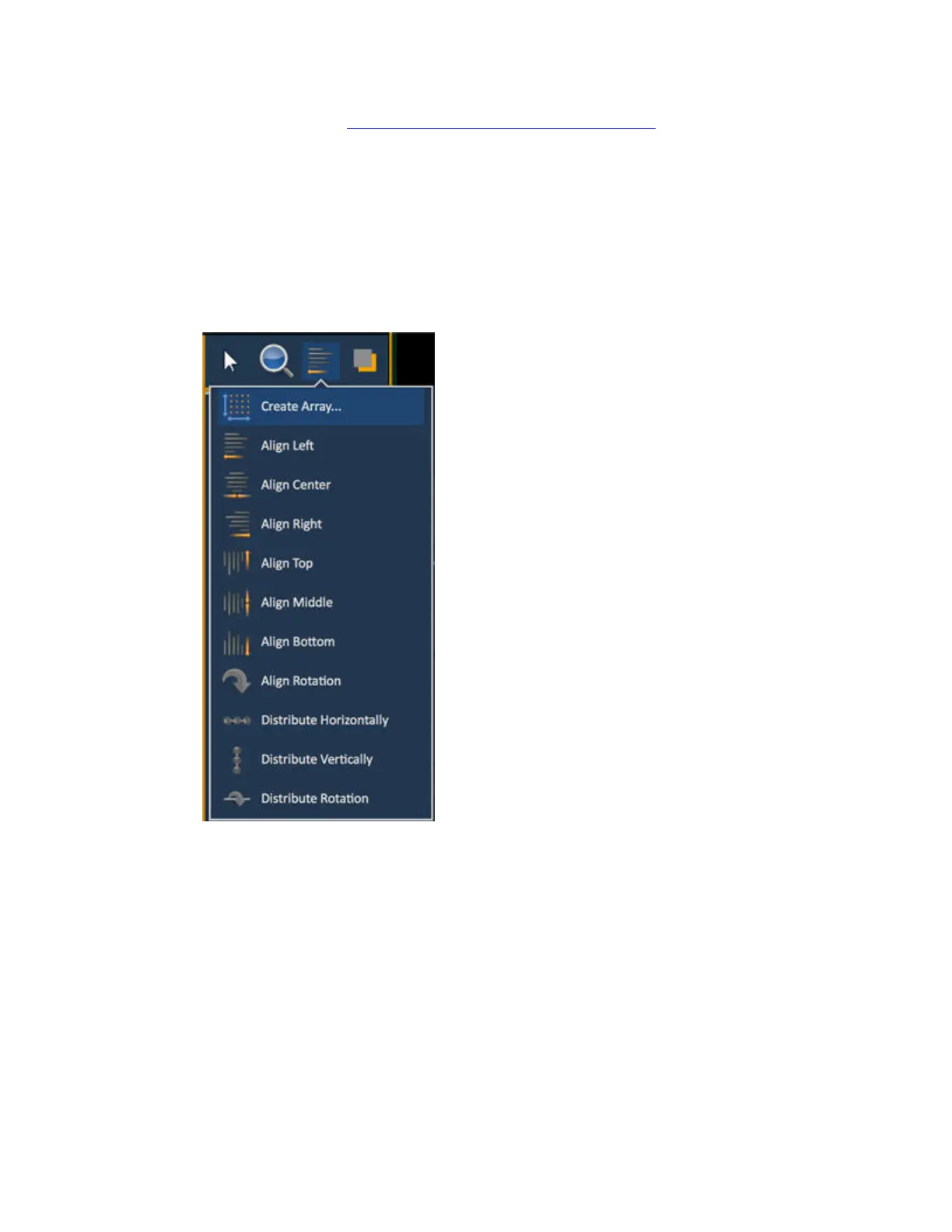
There are different align options for a selection of objects.
1. Select objects
2. Click on the Align popup
3. Select Alignment or Distribution
Functions
• Create Array - allows you to create arrays of objects. First set the object target and target
number. After placing one object of your choice, click on {Create Array} to open an
additional window for choosing what array type you want to use.
o Rectangle – to create a rectangular array of objects. You can define how many
rows, columns, and the spacing
o Circle – to create a circular array of objects. You can define the number or count of
objects and the size of the circle.
• Align Settings - allows you to align objects either to the left, center, right, or top, middle,
and bottom.



 To Next Page