Cobalt 8.1 - 20181029
294
Template Editor - Columns & Functions
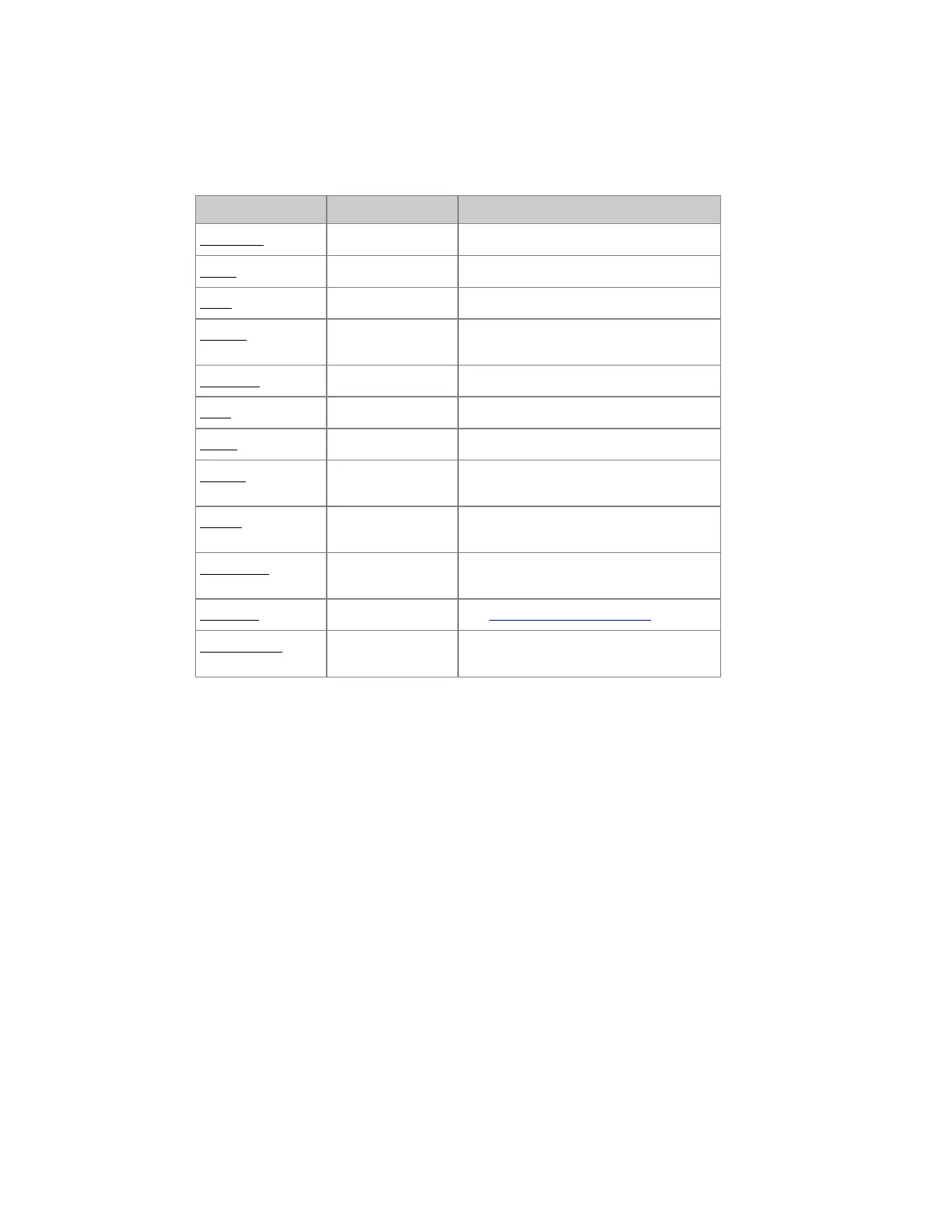
Press INSERT to insert a new Parameter. These are the functions in the columns.
Function Key Feedback
Parameter
[MODIFY]
Opens a dropdown. Select parameter.
DMX
[#] [MODIFY]
Set DMX offset (1-256).
Type
[MODIFY]
Set HTP (intensity) or LTP 8/16bits.
Default
[MODIFY]
The default value that is used when
patched, and by HOME ATTRIB.
Highlight
[MODIFY]
The value used in Highlight mode.
Snap
[MODIFY]
Set Snap or Fade.
Invert
[MODIFY]
Invert the values of a parameter.
Ranges
[MODIFY]
Opens the Range Editor for subranges
such as gobo positions.
Tables
[MODIFY]
Opens the Table Editor for table
functions.
Low DMX
[#] [MODIFY]
Set the low resolution DMX offset for
16 bit parameters
Fine Step
[MODIFY]
See 16 Bit Control - Fine Step
Fade with int
[MODIFY]
The parameter will follow the intensity
of this Device.



 To Next Page