Cobalt 8.1 - 20181029
991
Accessories - Connecting Cobalt to a Visualizer
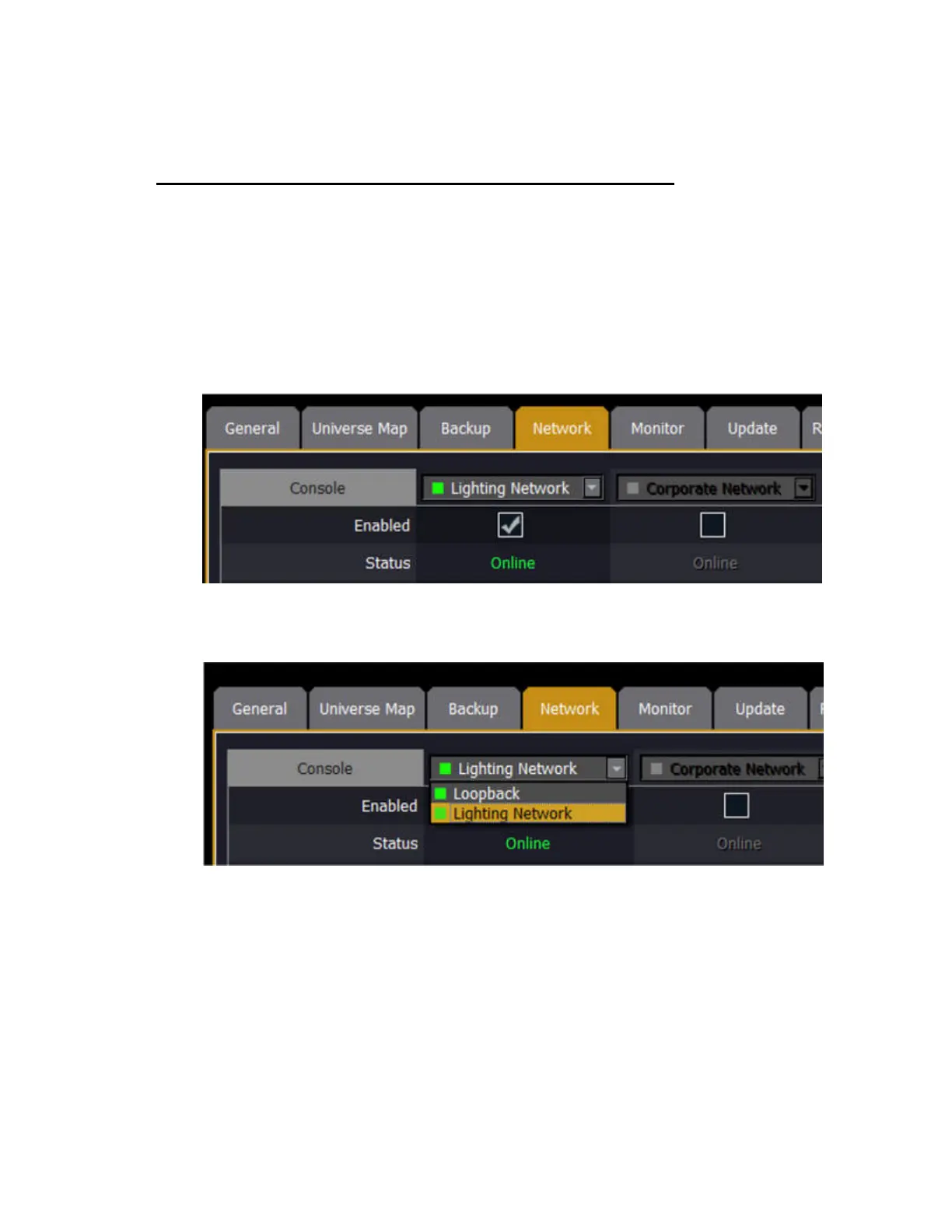
These are the Cobalt Family Console Settings including ETCnomad.
Supported protocols
Cobalt Family consoles can output Net2 (EDMX), Net3 (sACN/E1.31), and ArtNet levels via
Ethernet. Computers running Cobalt ETCnomad (PC or Mac) can output Net3 (sACN/E1.31) or
ArtNet.
To change settings:
1. Ensure the correct network is enabled in System Settings
2. If your PC has multiple network cards, you will also need to select the correct network card in
System Settings. This must match your choice in the visualization software.
3. Enable the correct Output Protocol for your visualizer. If you are using Capture, ensure that sACN
is enabled. (Note: ETCnomad does not support Net2 and this choice is not visible on devices running
ETCnomad.)



 To Next Page