Cobalt 8.1 - 20181029
650
Device Times - Fan Times
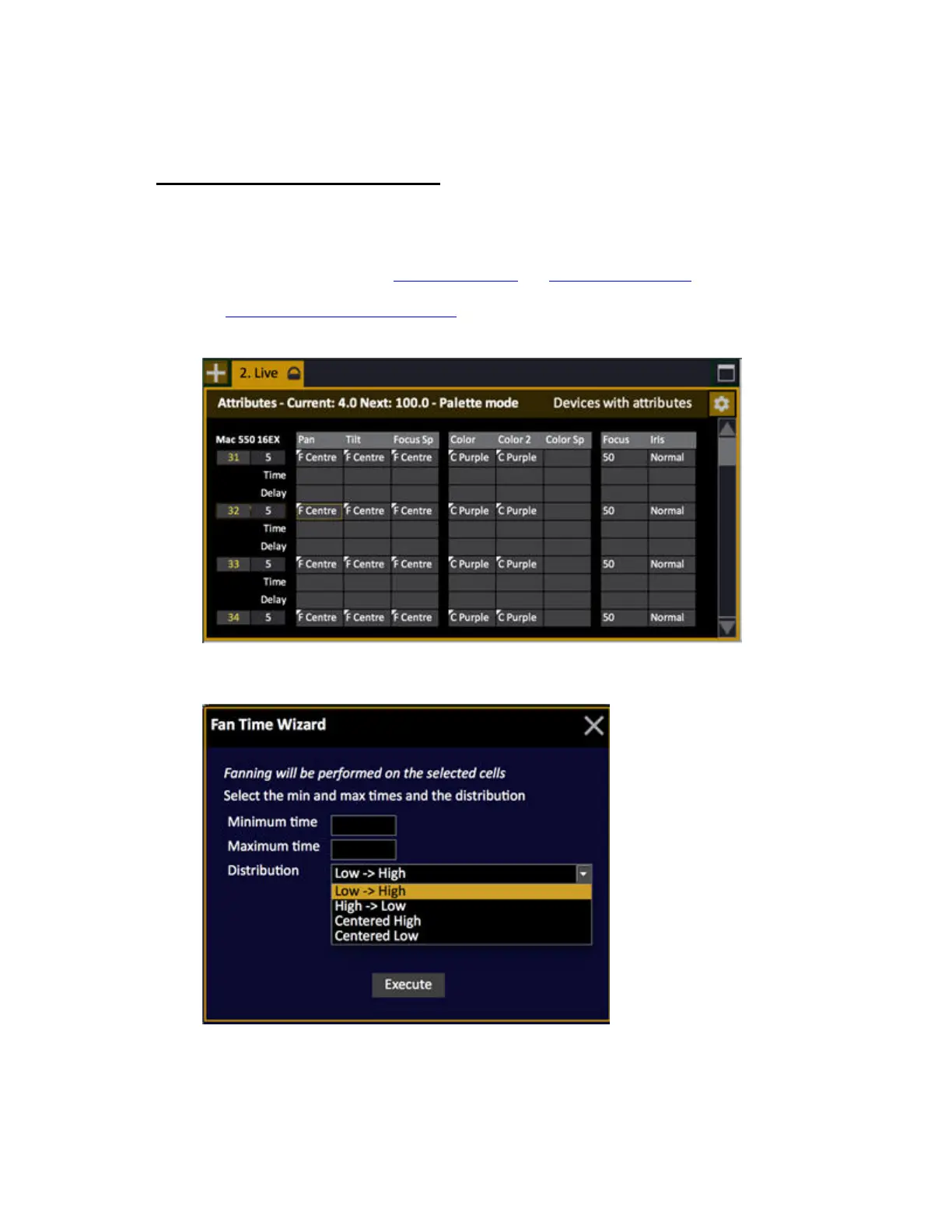
In the Live and Preset Attribute Views there is a wizard for fanning parameter times. This Wizard will
only open when a Time or Delay cell is selected. The selected cells are fanned between the devices.
1. Open an Attribute view. See Device Views - Live
and Device Views - Presets.
2. Open the Time and Delay rows by holding FORMAT and pressing the Down Arrow.
See Device Times - Attribute Time Editor
.
3. Select the Time or Delay cells for the parameters and devices intended.
4. Press WIZARD. The Fan Time Wizard popup will open.
5. Select values and confirm.



 To Next Page