Cobalt 8.1 - 20181029
351
Presets - Select Channels
You can add and subtract channels that are stored in Presets to/from the current channel selection.
Function Key Feedback
Select all
[#] [PRESET]
All channels with a level in
the specified Preset are
selected.
Add to current
[#] [PRESET] &
[+]
All channels with a level in
the specified Preset are
added to the current
channel selection.
Subtract all
[#] [PRESET] &
]
All channels with a level in
the specified Preset are
subtracted from the current
channel selection.
Select all over 0%
[#] [PRESET] &
[ALL]
All channels with a level in
the channel control, that
also have a level in
the specified Preset, are
selected.
Select all in a range
[#] [PRESET]
[#] [PRESET] &
[THRU]
All channels stored in
every Preset from # to # are
selected.
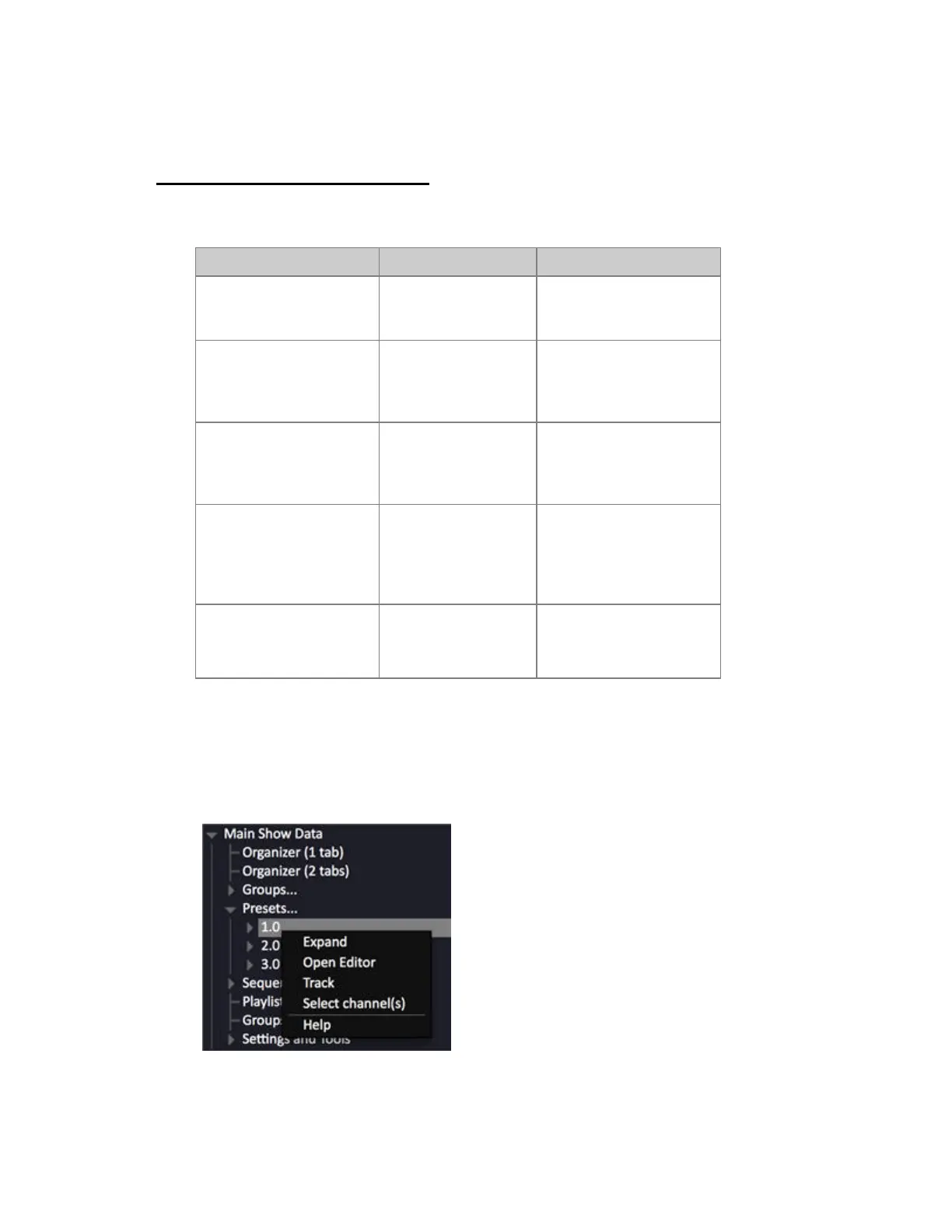
Presets - Select Channels Context Menu
You can select the channels of a Preset in the Browser by opening the context menu and choosing
SELECT CHANNEL(S).



 To Next Page