Cobalt 8.1 - 20181029
740
Rate
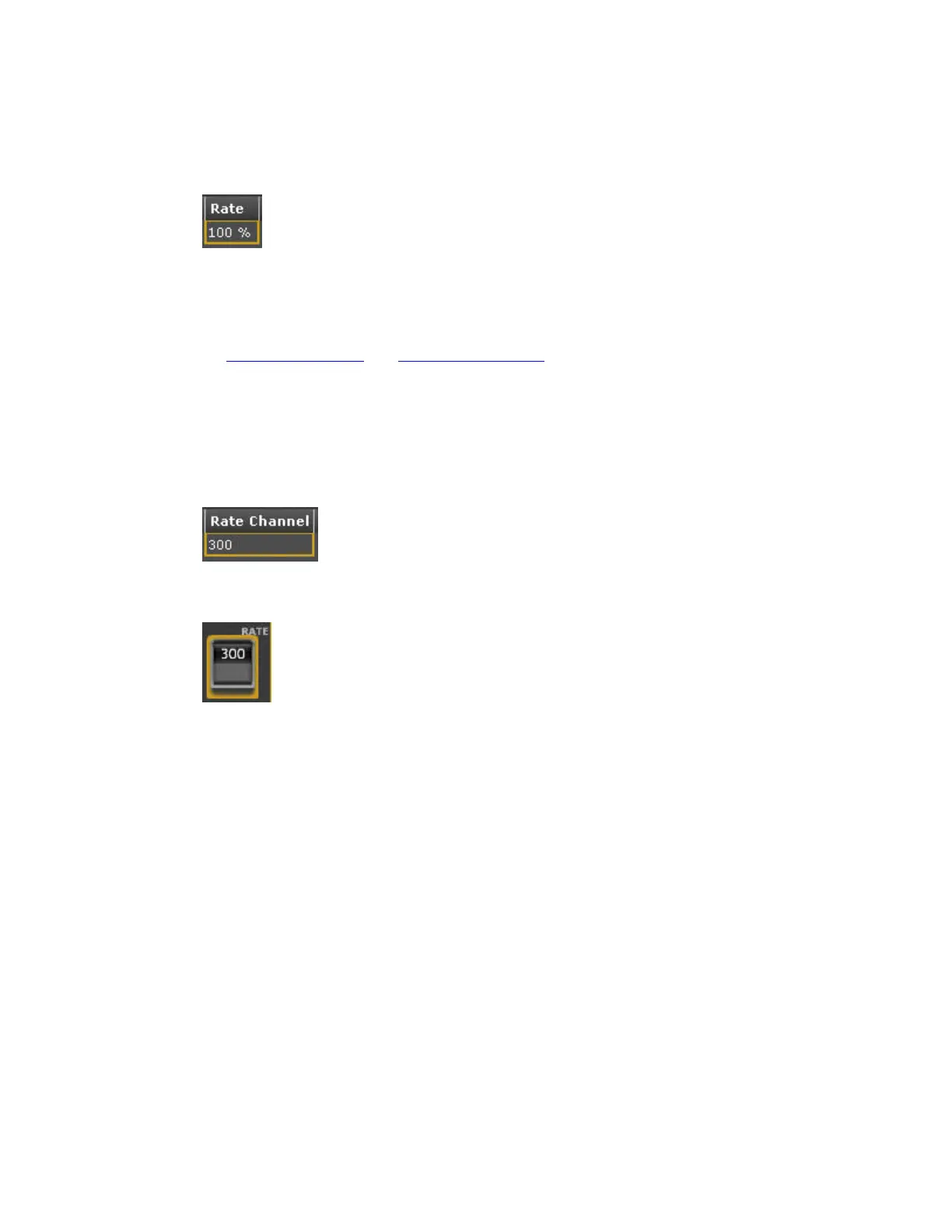
Sets the rate (frequency) of the waveforms in a Dynamic Effect. It is set from 0-1000%.
You can also change this parameter with the second parameter wheel in the Dynamics Soft Key Page
(press DYNAMICS in the Index Page).
It can also be set in the Preset- and Live Dynamic Effects tabs.
See Live Dynamic Effects and Preset Dynamic Effects
Rate Channel
Any channel can be set to control the Rate of a Dynamic Effect. At 50% it does not affect the Rate at
all. At 0% the Effect is stopped, and at 100% the Rate is doubled.
The channel is marked with RATE in the Channel Views.



 To Next Page