Cobalt 8.1 - 20181029
82
Tab - Console Mimic
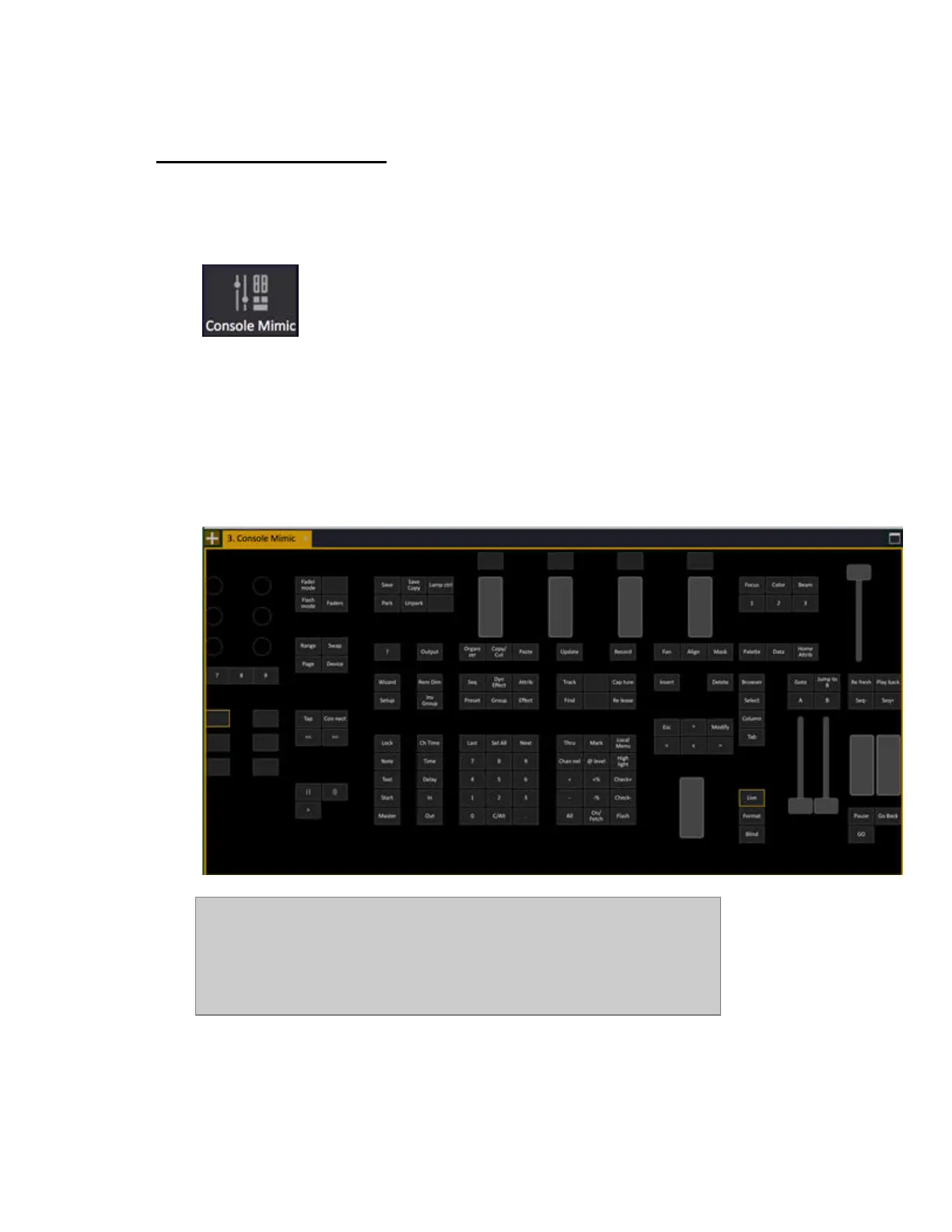
The Console Mimic dock gives you the user interface of the physical console.
Symbol in the Tab Selector:
• Click on a button or fader to press or move. Pressed button is indicated with a yellow
background.
• Hold CTRL and click on a button to "hold" it so you can press another button after. Please
note that this is not the same a holding CTRLand pressing a key in a keyboard - since CTRL
is used as a shift key there.
• Combine the Console Mimic and keyboard or console commands, for example hold
RECORD and press a Direct Select button.
• Hold FORMAT and use the level (or mouse) wheel to zoom.
NOTE
Important Limitation - because the mimics are within Cobalt, when dialog
boxes open on top of Cobalt all other Cobalt controls are unavailable,
including the console mimic. For data entry and navigation of dialogs,
physical console keys, alpha keyboard/mouse or an attached X-Keys panel
must be used.



 To Next Page