Cobalt 8.1 - 20181029
183
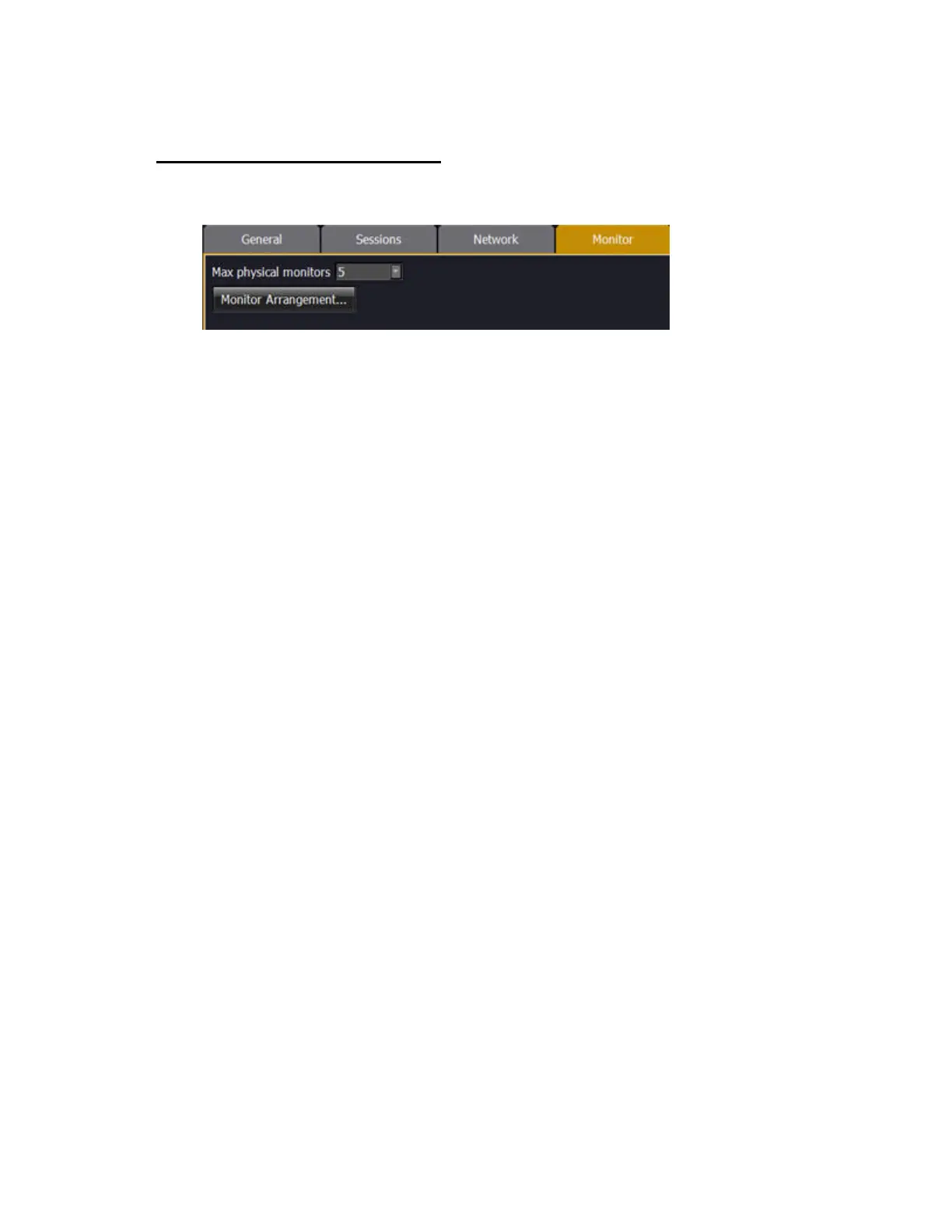
System Settings - Monitor
System Settings - Monitor
Max physical monitors
Select the number of physical monitors you want to run your system with. If you are running an
offline version you can choose virtual screens.
Monitor 1
Check this enable box to change Placement (left/middle/right) or Mode (resolution).
Monitor 2
Check this enable box to change Placement (left/middle/right) or Mode (resolution).
Show Advanced Options
If you have a custom widescreen monitor with specific coordinates, you can use the Advanced
Options.



 To Next Page