Cobalt 8.1 - 20181029
469
Channels - Balance Mode
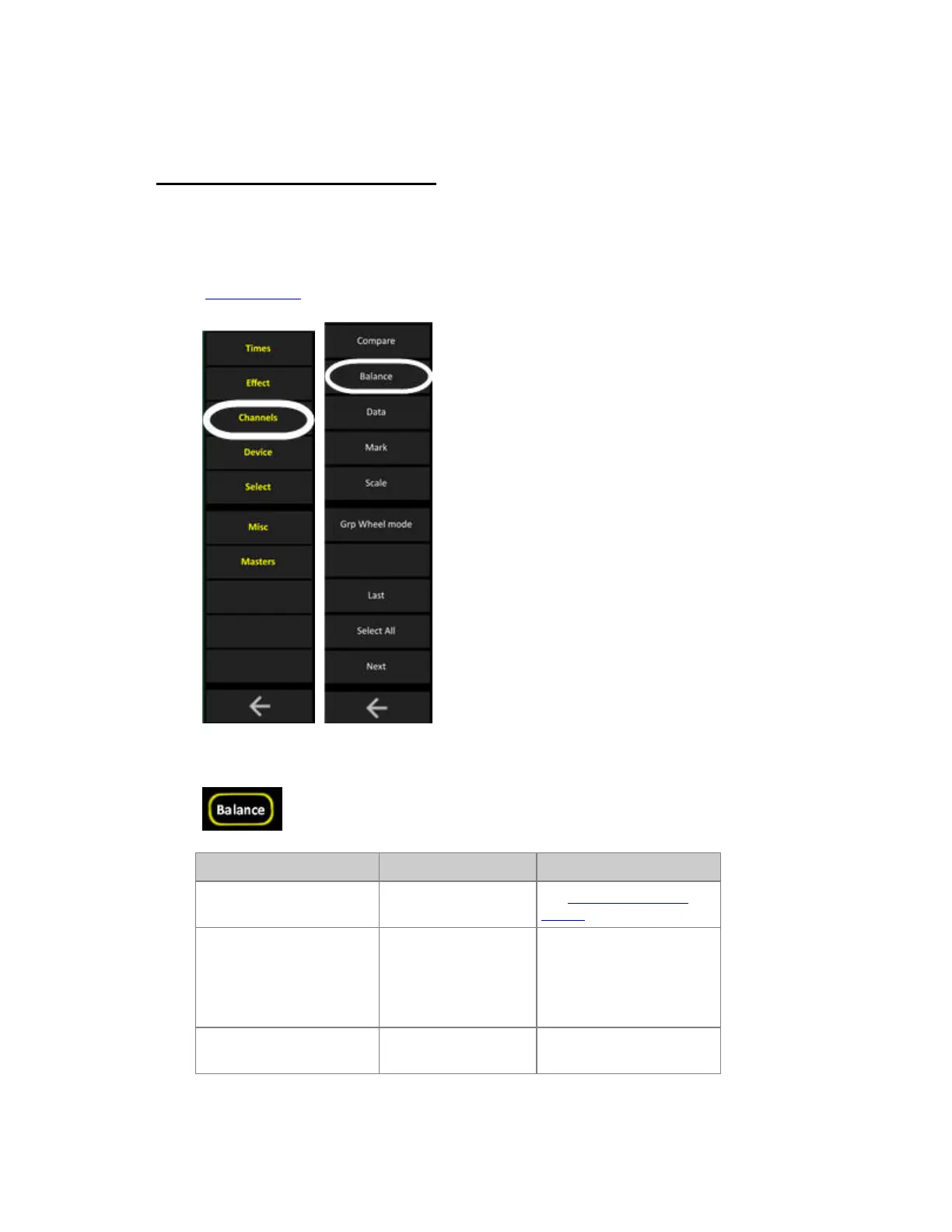
The BALANCE key in the Soft Keys makes it possible to temporarily set all channels to 0% except a
selection, to be able to work with that selection. The original output of the subdued channels is
restored when Balance Mode is exited.
(Soft Key Pages
are commands in the lower right corner of screen 2)
As soon as balance mode is activated, it is indicated at the top of all screens.
Action Key Feedback
1. Select the channels to
work with
See Channel Command
Syntax
2. Activate Balance
Mode
[BALANCE]
All other channels in the
channel view will be set to
0% temporarily. You can
now work with the selected
channels.
3. Exit Balance Mode
[BALANCE]
The channel levels that
were muted are restored.



 To Next Page