Cobalt 8.1 - 20181029
541
Magic Sheets - Create New (8.0)
You can create a Magic Sheet in any channel view by entering a number # and pressing Format. This
will give a dialog if the Magic Sheet doesn't exist.
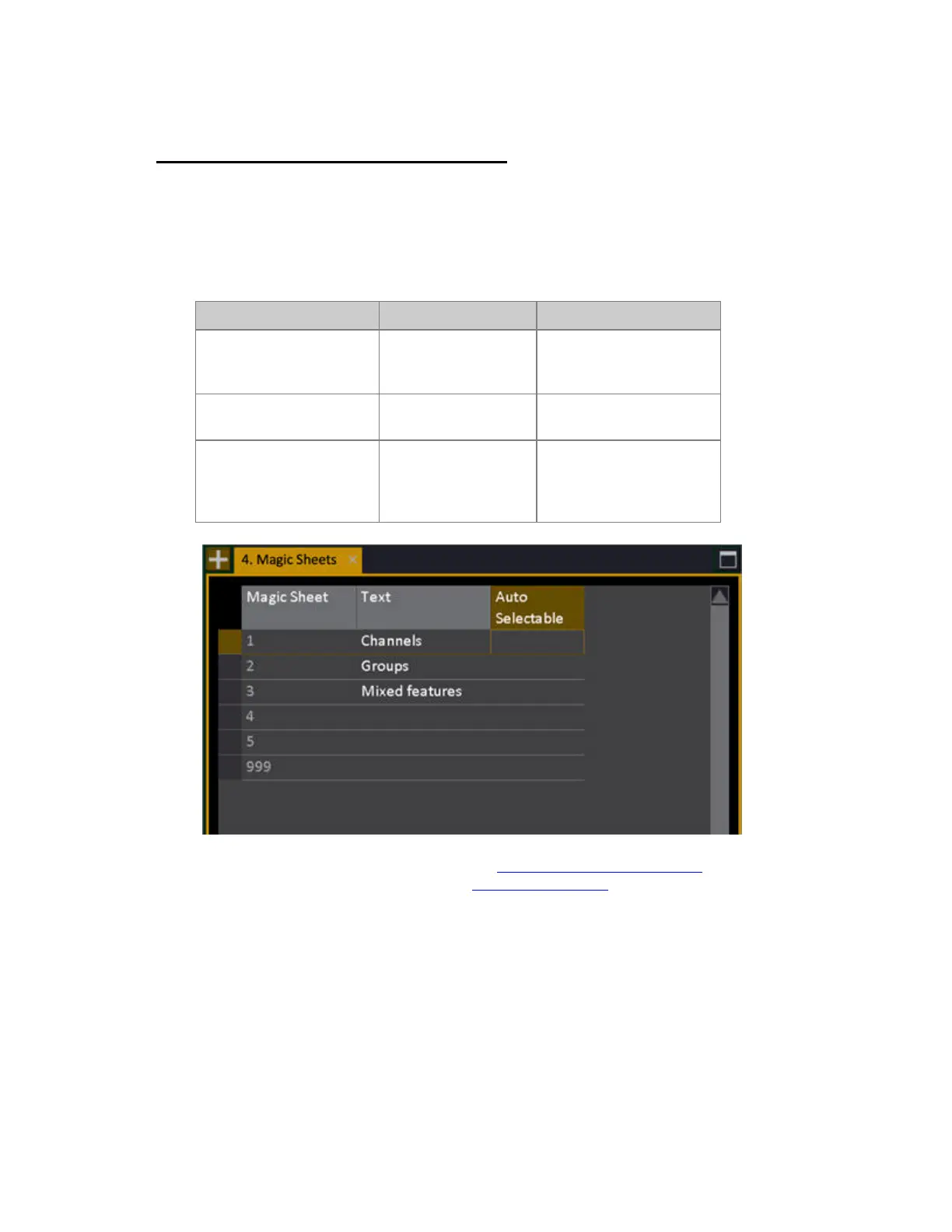
You can create Magic Sheets in the Magic Sheet List (Browser>Channels>Setting&Tools>Magic
Sheets...).
Function Key Feedback
1. Open the Magic
SheetList.
Browser >Channels
>Settings&Tools
>Magic Sheets...
Opens the Magic Sheet list.
2. Create a new Magic
Sheet
[#] [INSERT]
A new Magic Sheet is
inserted.
3. Name Layout
[MODIFY]
Move to TEXT cell and
press MODIFY. Give a
name and press MODIFY
to save and exit.
To load this Magic Sheet in a channel view see Magic Sheets - Load & Navigate
. To edit it click on
the Editor Handle in that channel view, see Magic Sheets - Editor
.



 To Next Page