Cobalt 8.1 - 20181029
790
Master Mode
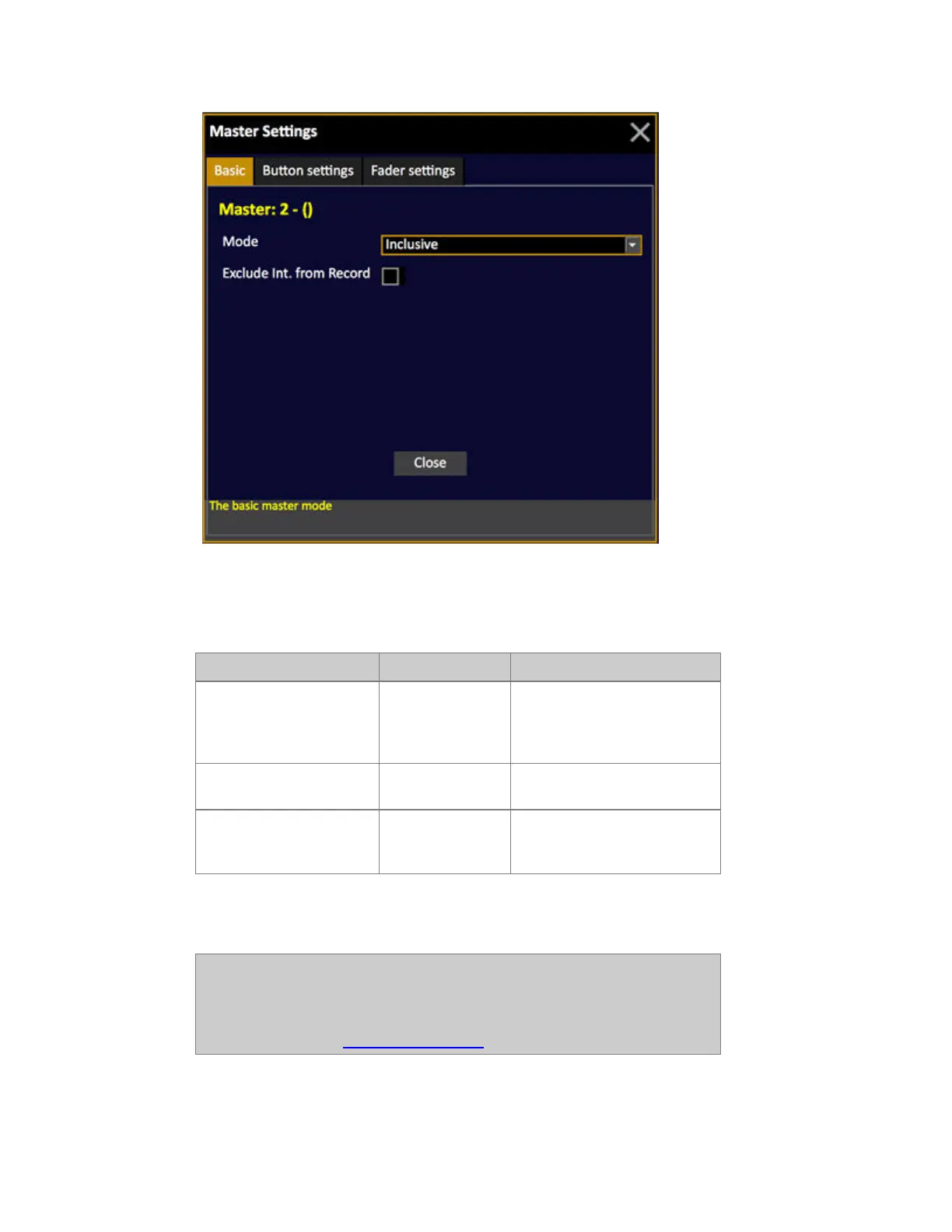
These are the main modes that define the basic behaviour of a master playback.
Mode Screen Feedback
Exclusive Blue level Blackout,
GrandMaster, Capture or any
other channel function will not
affect this channel(s).
Inclusive No indication Works as an additional Master
Playback
Inhibit Red level Is an Inhibit Master - works as
a Grand Master for the selected
channel(s).*
*If you have several Independent Functions set to Inhibit and they have overlapping channels, the
highest Special Function will be in control. The result on stage can be recorded.
NOTE
When you are in "exclusive" mode, the attributes will still be "stolen" back
by any function calling them from the rest of the console, even if the intensity
is "exclusive". If you wish to stop this from happening enable Active
Parameter Lock. See Master fader settings.



 To Next Page