Cobalt 8.1 - 20181029
708
Step Time
The tempo of the effect - this time determines when each step will be executed..
Attack Time
The fade time of the associated step or individual piece of content..
Sustain & Release times (Break mode only)
This time determines how long a step remains active before starting the release to the background
state. If a break mode effect has more than one active step, each step may execute a sustain and release
to the background only if the step time is greater than the combined attack+sustain+decay times of the
step, otherwise you will only see attack times executed until the last active step.
.
Content Effect Beat Boss
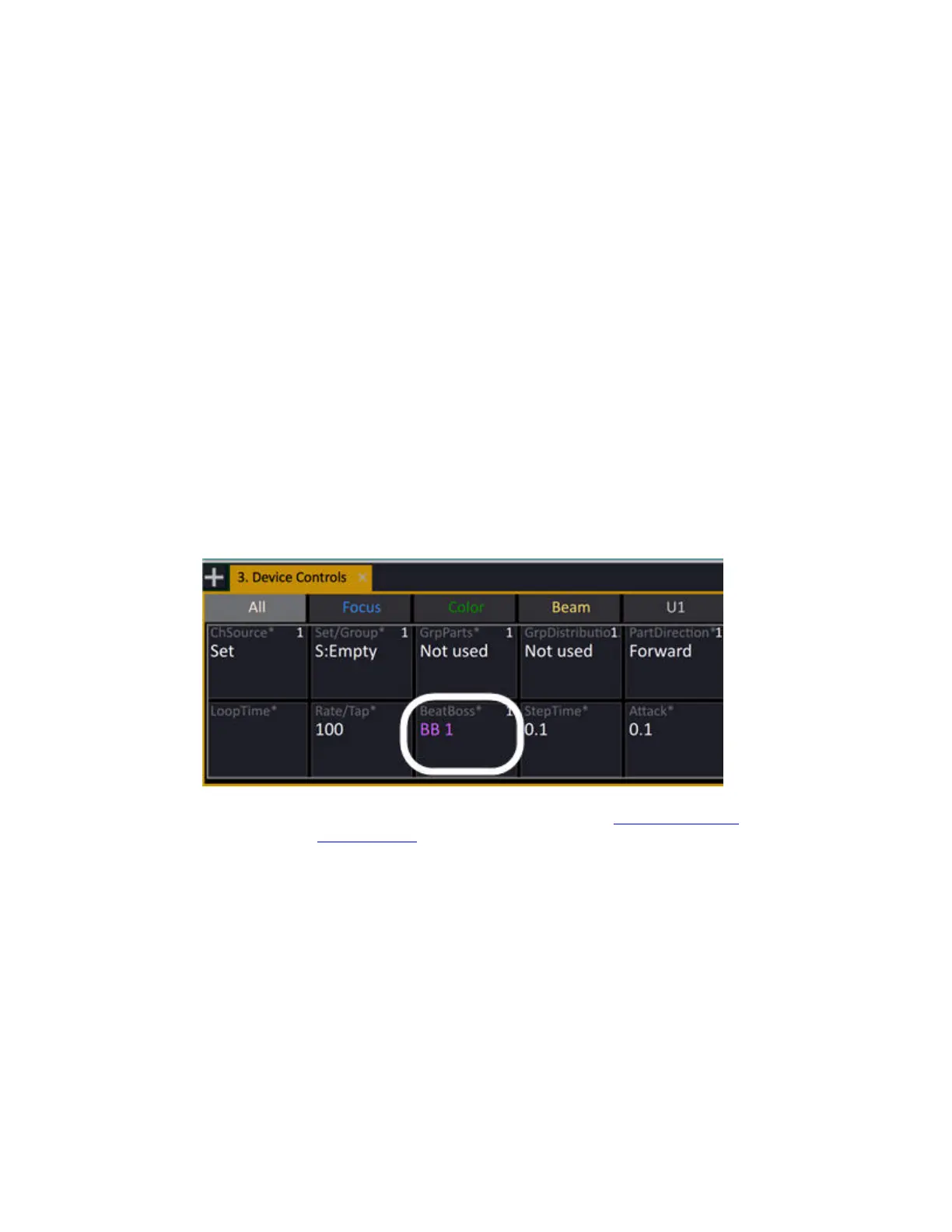
You can assign a Beat Boss to a Chase and/or Content effect.
A Beat Boss provides a base tempo value that can be scaled by the TapRate parameter of the effect
playback. Effect playbacks may share a Beat Boss, providing a way to synchronize different effects. It
is not recommended to group chase and content effect playbacks together onto the same Beat Boss.
There are 9 Beat Bosses and they can be assigned to a master (see Masters - Beat Boss
) and run in the
Beat Boss tab(See Tab - Beat Boss
).
The related Beat Boss is added as a parameter in All/U3 tabs when effects with active Beat Boss is
selected.



 To Next Page