Cobalt 8.1 - 20181029
159
Print
You can print play data to pdf files, sorted in different ways and in different
formats. These files are copied to a USB memory and printed from any
standard computer.
Patch and Channel Database can be exported to a comma separated text file,
suitable for spreadsheet or database programs like Excel.
Screens can be printed with the PRINT SCREEN function in the Misc Soft
Key Menu.
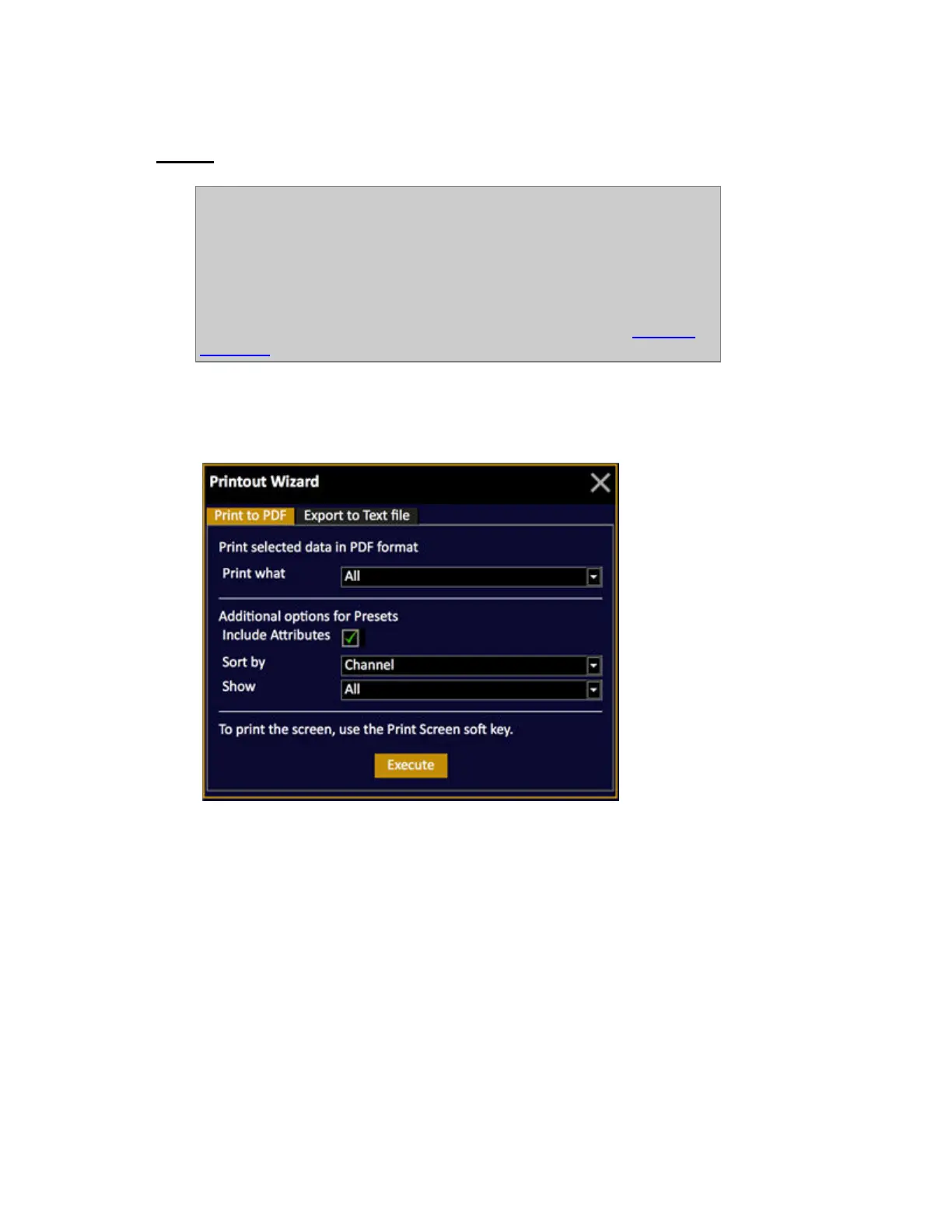
1. Open the Printout Wizard (BROWSER >Files >Print...)
This popup will appear
2. Select what to print to pdf (or select Print to Text)
• All
• Sequences & Presets
• Sequences
• Presets
• Groups
• Palettes
• Device List
• Channel Database (only those with texts)
• Channel List (only patched channels)
• Output List (only patched outputs)



 To Next Page