Cobalt 8.1 - 20181029
308
Templates - Fade With Intensity
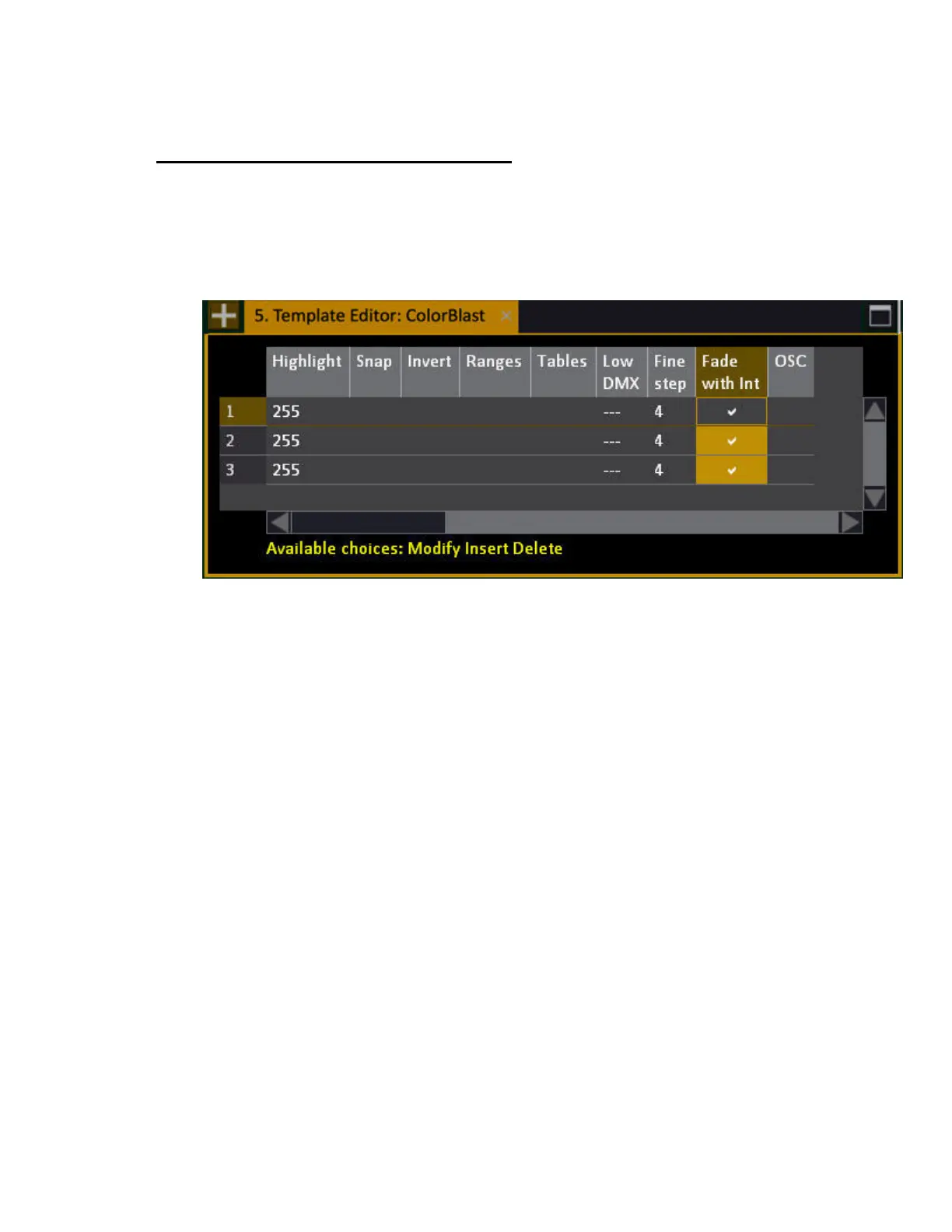
Fade with Intensity can be set in the Template Editor. This is useful for controlling a softlight or LED
fixture with color mix coming from colored fluorescents, that also are light sources. It makes it
possible to mix a color and fade the intensity of the result without changing the Hue (color mix result).
This example is from a Color Kinetics™ LED ColorBlast.
When On, the parameter will be scaled through the intensity channel of the device. Also, the types of
fixtures where color = intensity will be able to be controlled by the Grand Master and Black Out key
when set up with an Intensity parameter.



 To Next Page