Cobalt 8.1 - 20181029
699
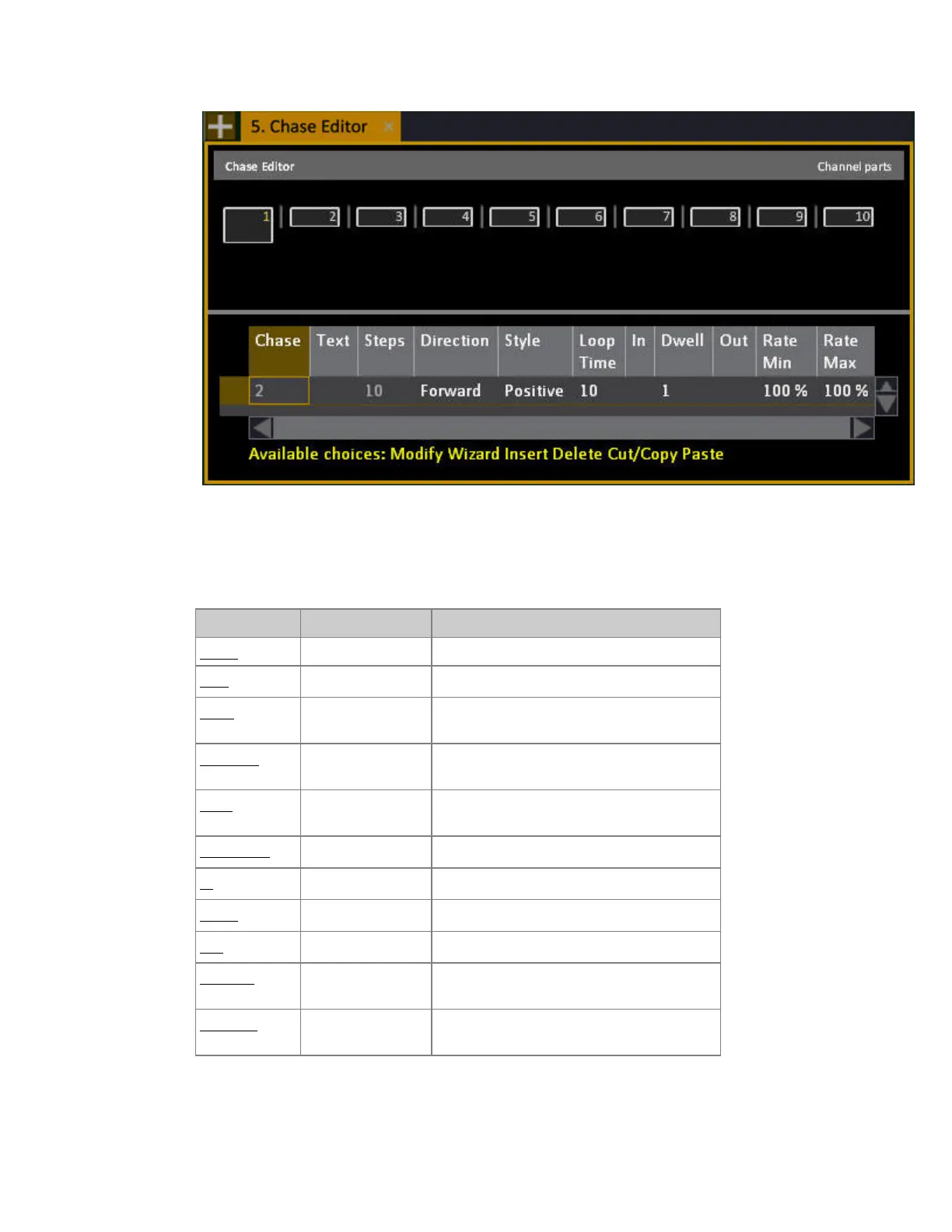
Chase Editor - Functions
The Chase can only be edited from the Chase Editor and the Chase Step Editor. This ensures that a
Chase will always play back in the way it is defined.
Column Action Feedback
Chase No Input The number of this chase, cannot be edited.
Text
[MODIFY]
Enter a label.
Steps
[MODIFY]
Shows the number of steps, press MODIFY
to open the Channel Distribution Wizard.
Direction
[MODIFY]
Choose between forward, backward, bounce
and random.
Style
[MODIFY]
Choose between positive, negative and
build.
Loop Time
[#] [MODIFY]
Sets a total Loop time *
In
[#] [MODIFY]
Sets an In time for all steps**
Dwell
[#] [MODIFY]
Sets a Dwell time for all steps**
Out
[#] [MODIFY]
Sets an Out time for all steps**
RateMin
[#] [MODIFY]
Defines a random minimum variation for
Step times***
RateMax
[#] [MODIFY]
Defines a random maximum variation for
Step times ***



 To Next Page