Cobalt 8.1 - 20181029
569
Partitions - Create
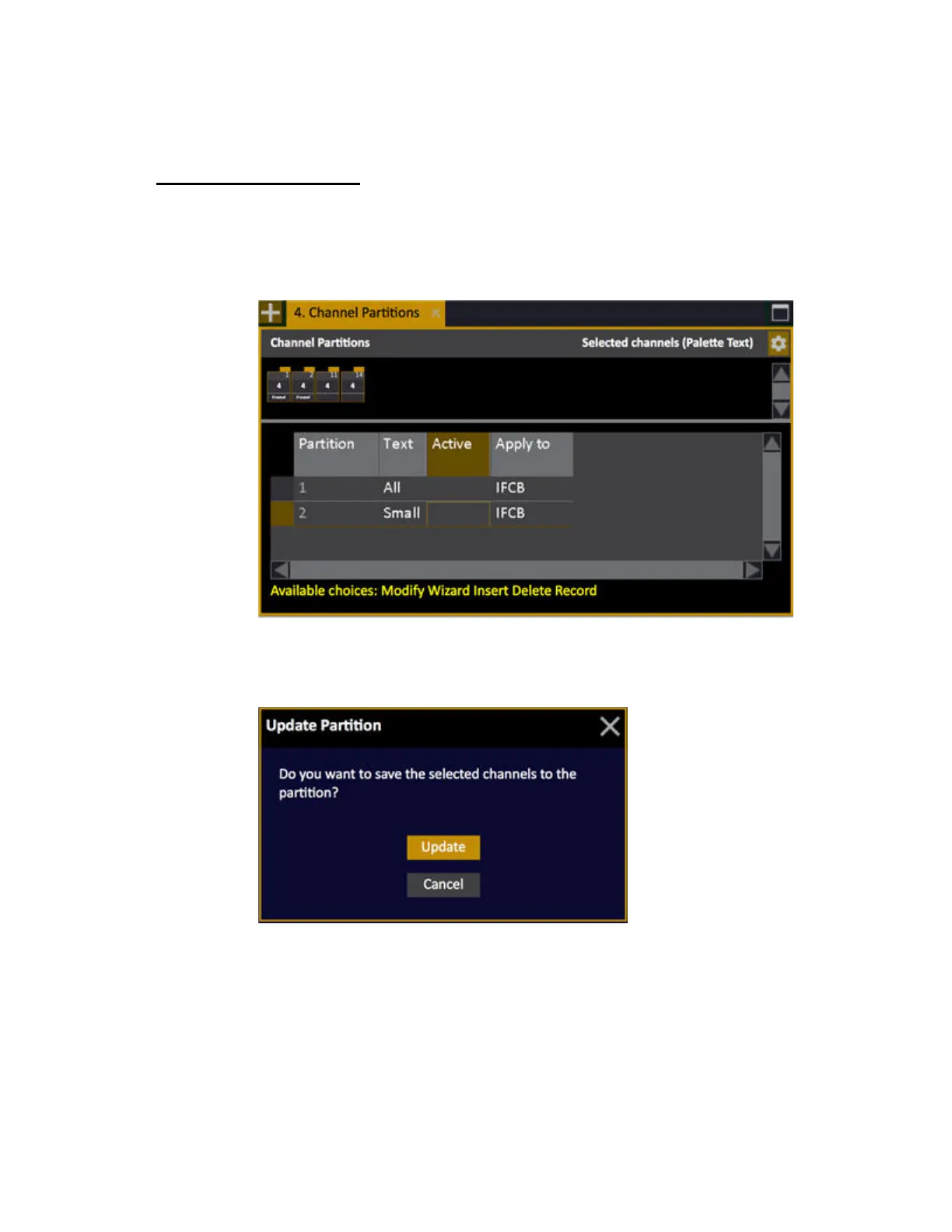
Partitions are created in the Channel Partition List.
1. Open the Channel Partition List (Browser >Channels >Settings and Tools >Channel
Partitions)
2. Press INSERT
3. Select channels (they will show up in the Channel View part).
4. Press RECORD or UPDATE to store the channel selection.
5. Press MODIFY in the TEXT cell to give a name to this Partition
6. Press MODIFY in the APPLY TO cell to choose permission level (IFCB).



 To Next Page