Cobalt 8.1 - 20181029
612
Device Recording - Modes
There are four different Recording modes for recording Device attributes.
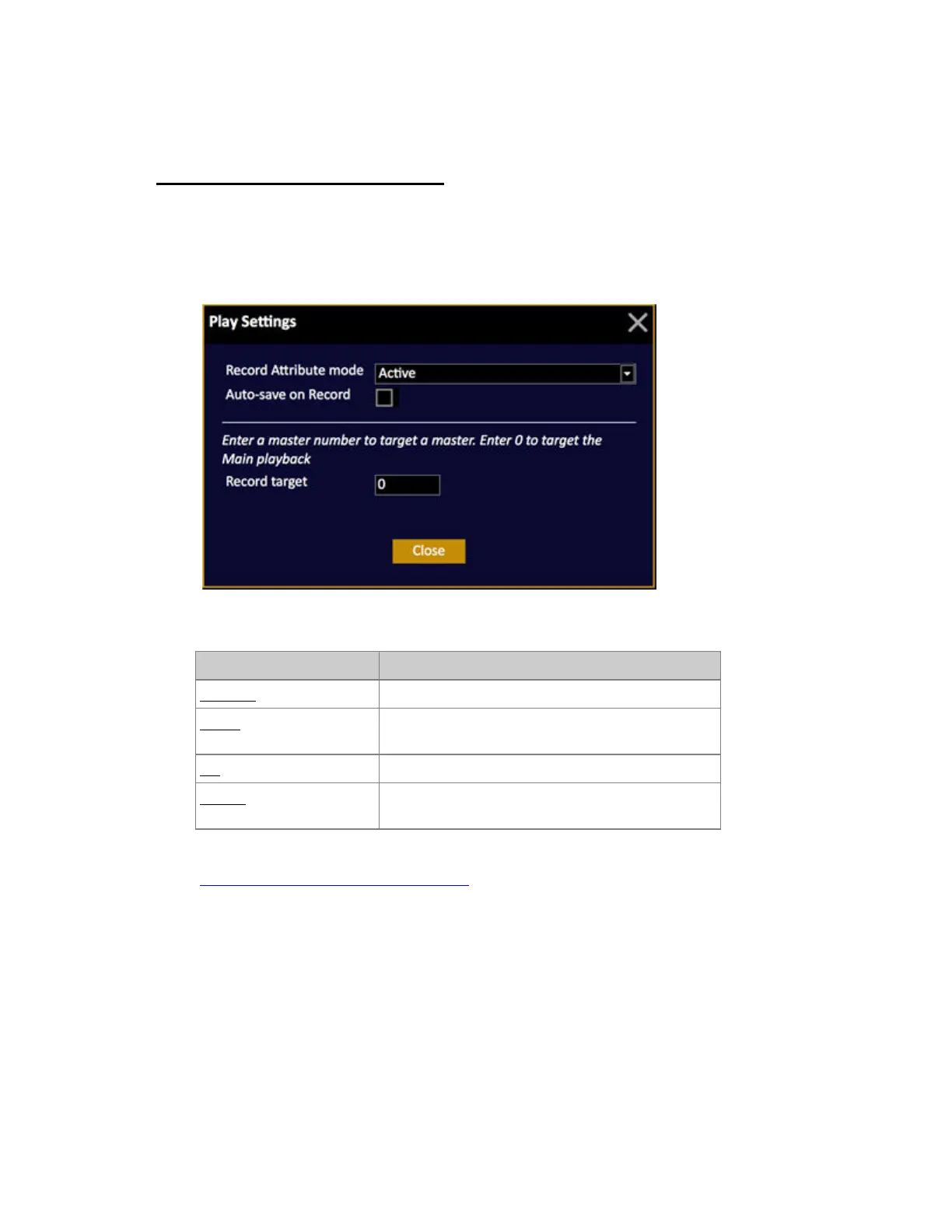
They are set in the RECORD SETTINGS (Hold SETUP and press RECORD). You will get this
popup
These are the modes
Function Description
Changed All changed attributes are recorded automatically*
Popup A popup is provided to confirm recording all
changed attributes
All All attributes are recorded
Active (default) All attributes of devices with an intensity over zero
are recorded.
*This means that it is necessary to record all attributes for the first step in a Sequence manually. See
Record All Attributes for selected channels
Changed mode
Attributes are tagged as Changed when they have been altered since they were last recorded. This
indication is a purple background in Channel and Attribute views.



 To Next Page