Cobalt 8.1 - 20181029
277
Device Settings - Columns & Functions
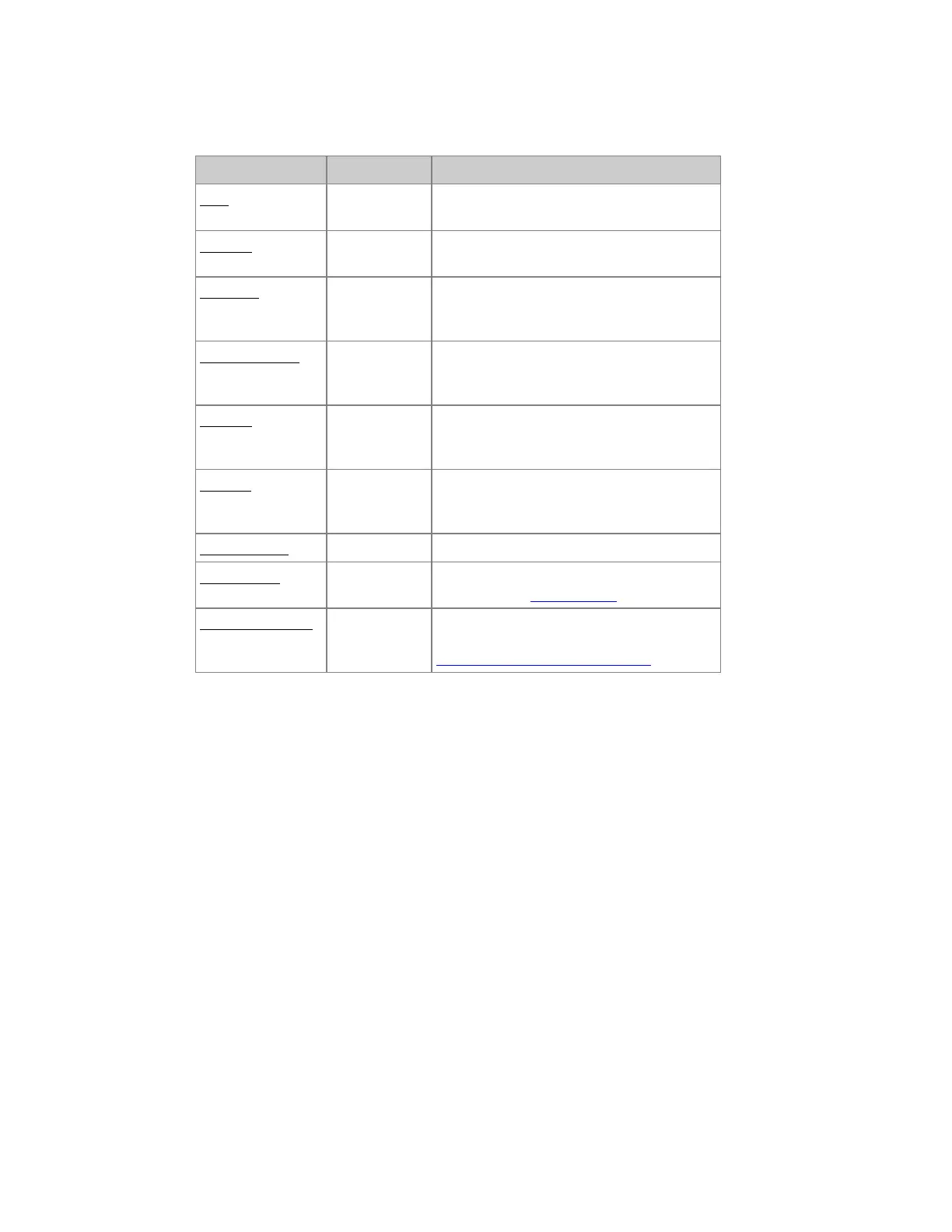
Column Input Function
Item No input The number of this item - cannot be edited
here.
Channel 0-3072 The number of the desk channel this device
is assigned to.
Template Dropdown
menu
Shows the device template - dropdown to
change. Use the Import Template Wizard to
import templates.
Device Address #.# Shows the device address - change by
address.universe. You can change universe
by ".universe"
Inv. Pan Off/On You can invert pan for this device on the
input (manual control) or output (stored
data)
Inv. Tilt Off/On You can invert tilt for this device on the
input (manual control) or output (stored
data)
Swap Pan/Tilt Off/On Swap pan/tilt for this device.
Scroller Roll Dropdown
menu
Shows the assigned scroller roll - dropdown
to change. See Scroller Rolls.
Calibration Editor
[MODIFY]
Press MODIFY to open the Calibration
Editor for a specific scroller roll. See
Calibrate Individual Scroller Rolls.



 To Next Page