Cobalt 8.1 - 20181029
493
Editing in Live
All controls of the console are available for editing when Live is active.
Select channels and/or devices and you can
• Set/change intensities with level wheel or level keys
• Change parameters with parameter wheels
• Activate palettes with palette keys and/or direct selects
Intensities = HTP
Intensities are added to the output in the A field of the main playback. The levels are piled by Highest
Takes Precedence (HTP)on top of the output from all playbacks.
Override = Capture Mode
If you want to control intensity or attributes of any channel regardless of where it is output from, use
Capture Mode. Capturing a channel is similar to using a programmer, which means that the channel
has to be released back to the playbacks or it will stay at the captured level. See Capture Mode
.
Edit Attributes on screen
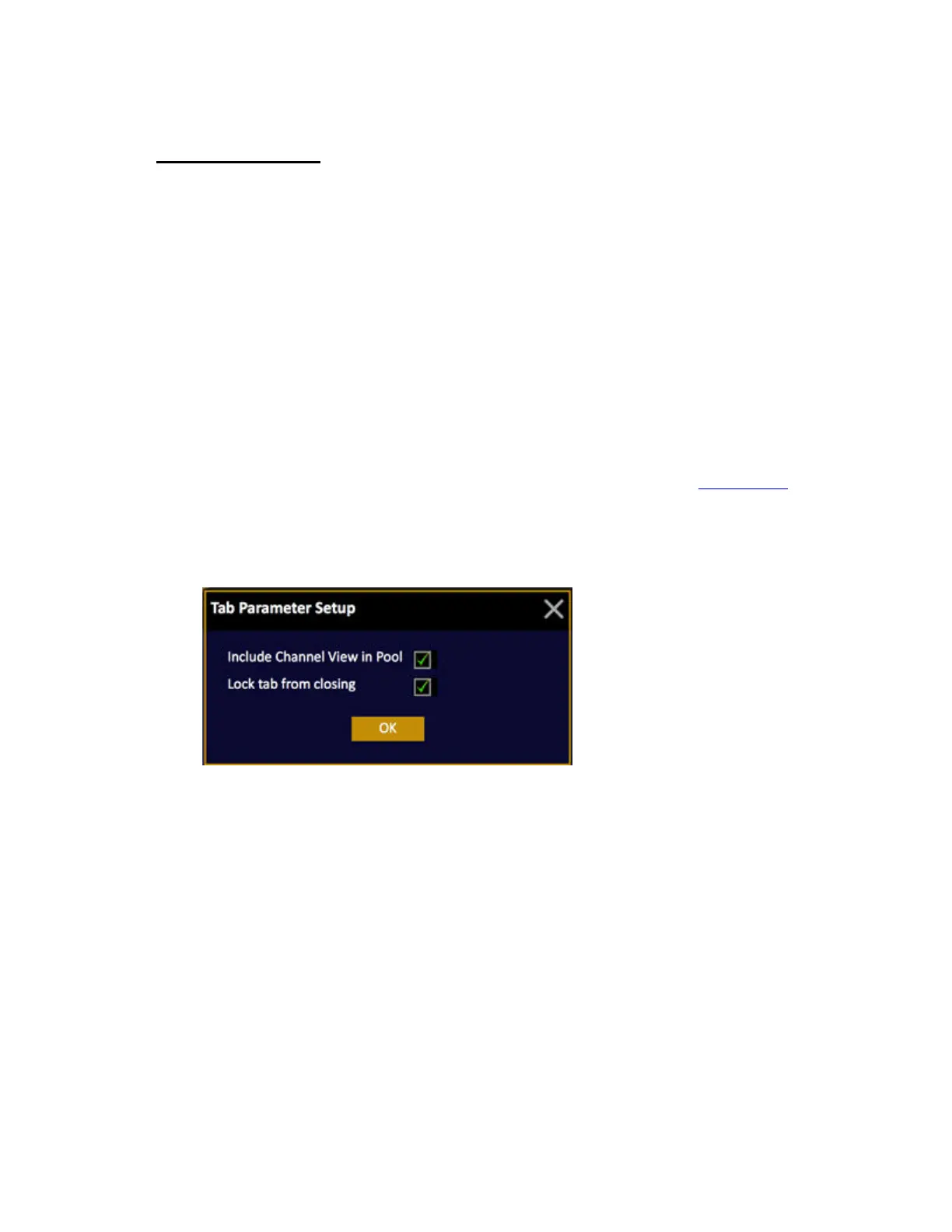
Please note that Spreadsheet editing on screen is OFF as default. To activate this open the tab settings
by holding SETUP and pressing TAB.



 To Next Page