Cobalt 8.1 - 20181029
122
Mute & Solo
Mute & Solo allow you to treat all Playbacks (masters and Main Playback) as
you would in a sound console - being able to temporarily Mute or Solo the
content of any Playback.
• Muting a Playback will temporarily stop all output from this Playback without changing data
or fader level.
• Soloing a Playback will temporarily mute all Playbacks except this one, without changing
data or fader levels.
In effect this is the same functionality that is found in a sound console. It allows you to quickly isolate
the lights from any Playback, for editing or for playback purposes.
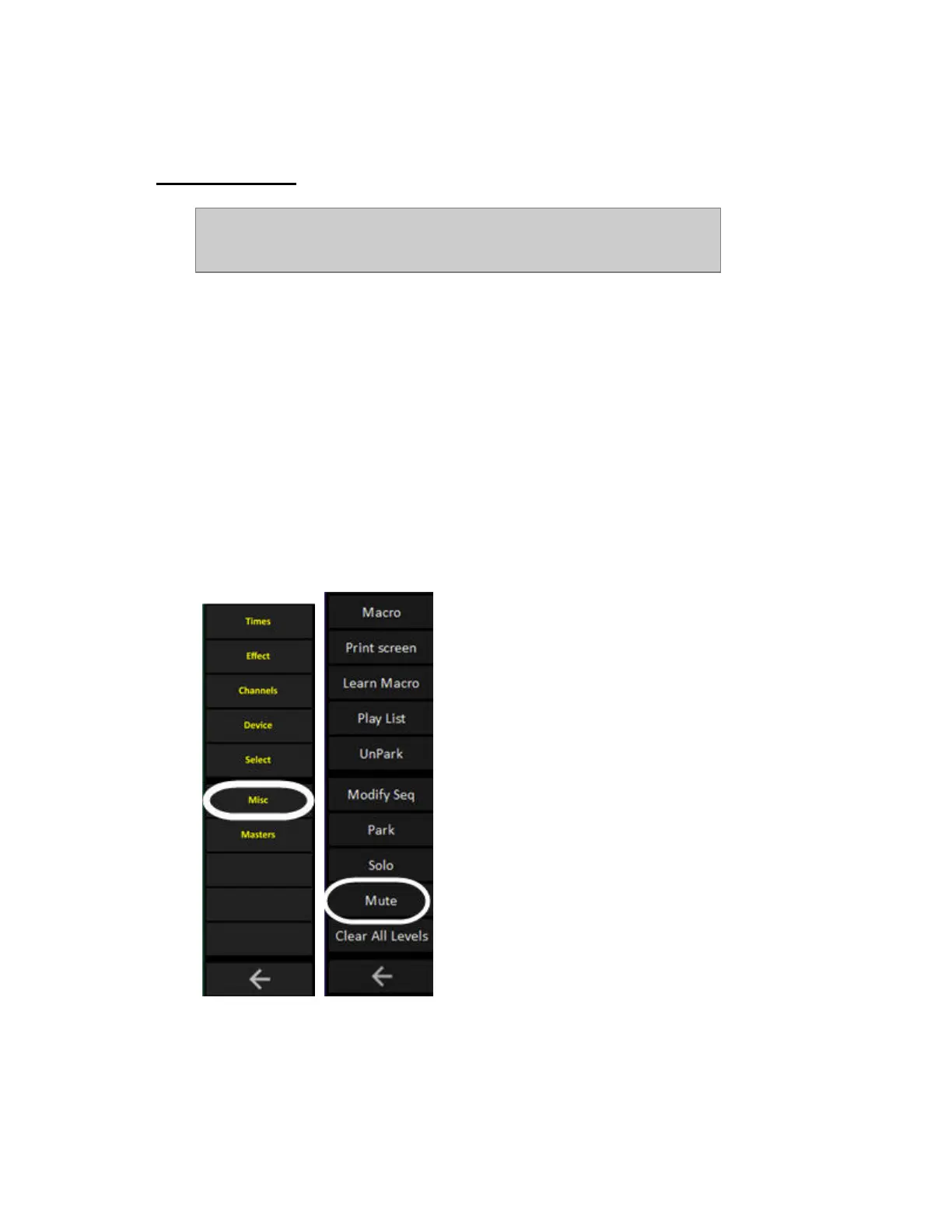
Mute and Solo are soft keys in the Misc soft keys.
Mute & Solo - MUTE
Mute is a Soft Key.
Hold MUTE and press a Playback key to activate/deactivate.



 To Next Page