Cobalt 8.1 - 20181029
137
Files - Introduction
Make sure you save your information at all times. If the current Play has
been altered since it was last saved, the name is displayed in yellow instead of
white. If over 30 minutes have passed without saving, the time stamp will
turn red.
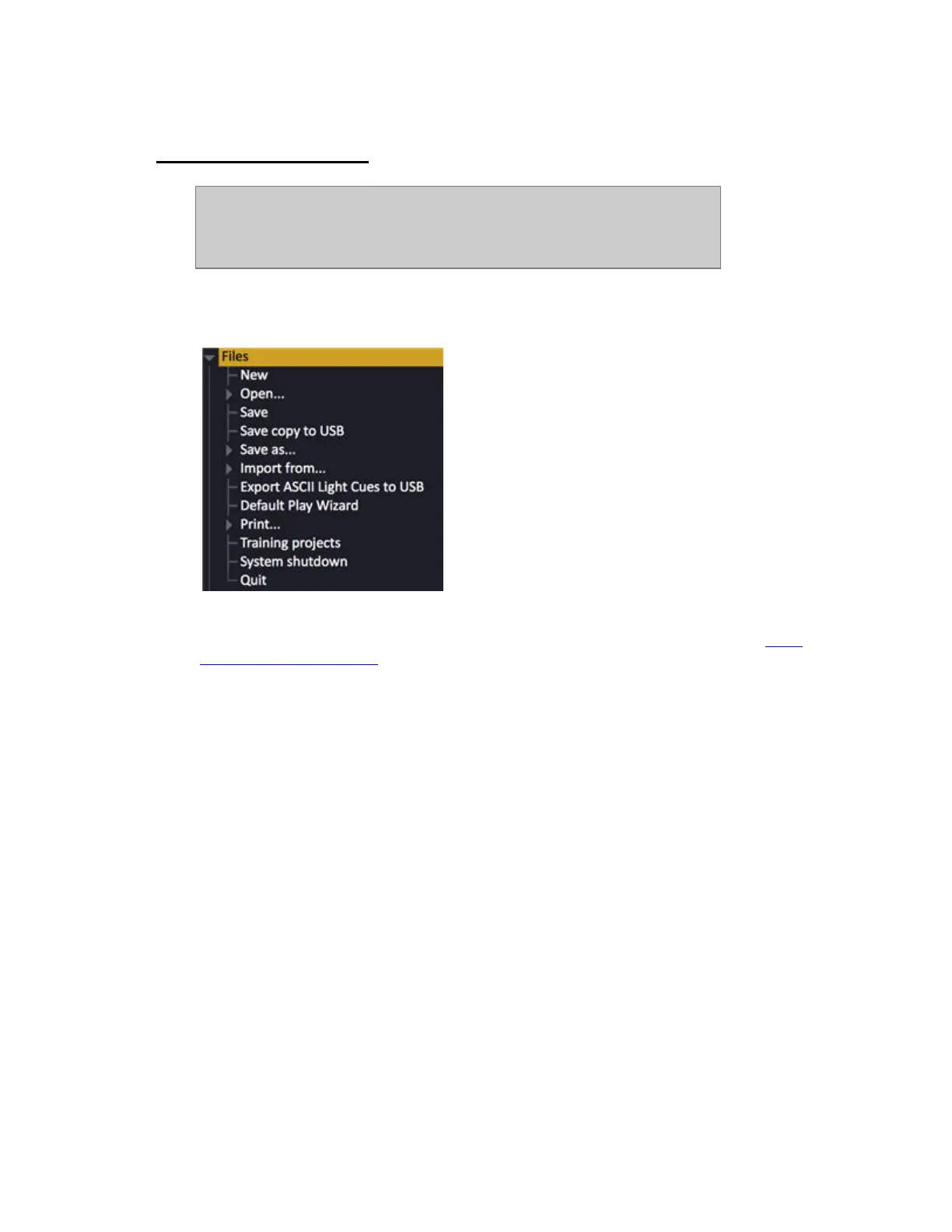
All file handling can be done from the File node (BROWSER >File). There is a SAVE and SAVE TO
key in the frontpanel.
This system has a hard drive as the primary storage. You can also use a USB memory stick, an
external USB drive, Floppy or a File Server on the network. For alternative Play Paths see Login
Settings - General Functions.



 To Next Page