Cobalt 8.1 - 20181029
323
Groups - Introduction
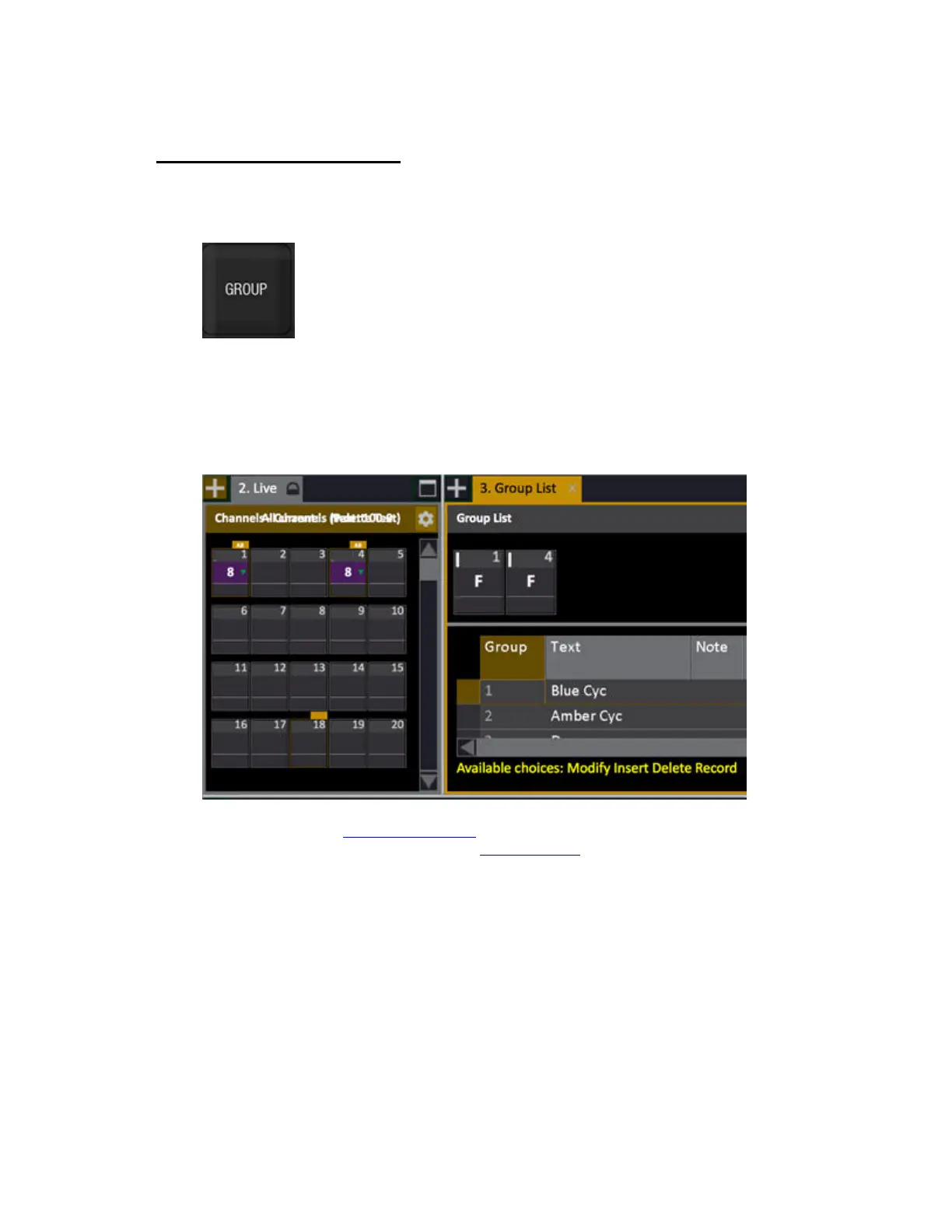
The GROUP key is used to record and recall Groups. Groups are used mainly for selecting lights, but
may also be assigned to masters where they function like traditional intensity submasters.
You can store channel combinations into groups. The difference between a group and a Preset is that a
group does not necessarily need levels for the channels involved, only the channels selected are stored
regardless of how many other channels are active. Groups also do not contain moving light attributes.
Any currently selected channels and levels are stored in a group, under a single number and name.
For editing groups see Group List Functions
.
Groups are accessible from the remotes. See Remote Control
.
Group functionality
• Only selected channels are stored in a group.
• Each group will "remember" the order in which channels were selected to create the group.
• Groups are not automatically inserted into the Sequence in the Main Playback.
• Each group can have a text label.
• A group can be selected in the same way as a single channel
• A group can be loaded to a Master, a Direct Select section or a Magic Sheet.



 To Next Page