Cobalt 8.1 - 20181029
783
Goto List
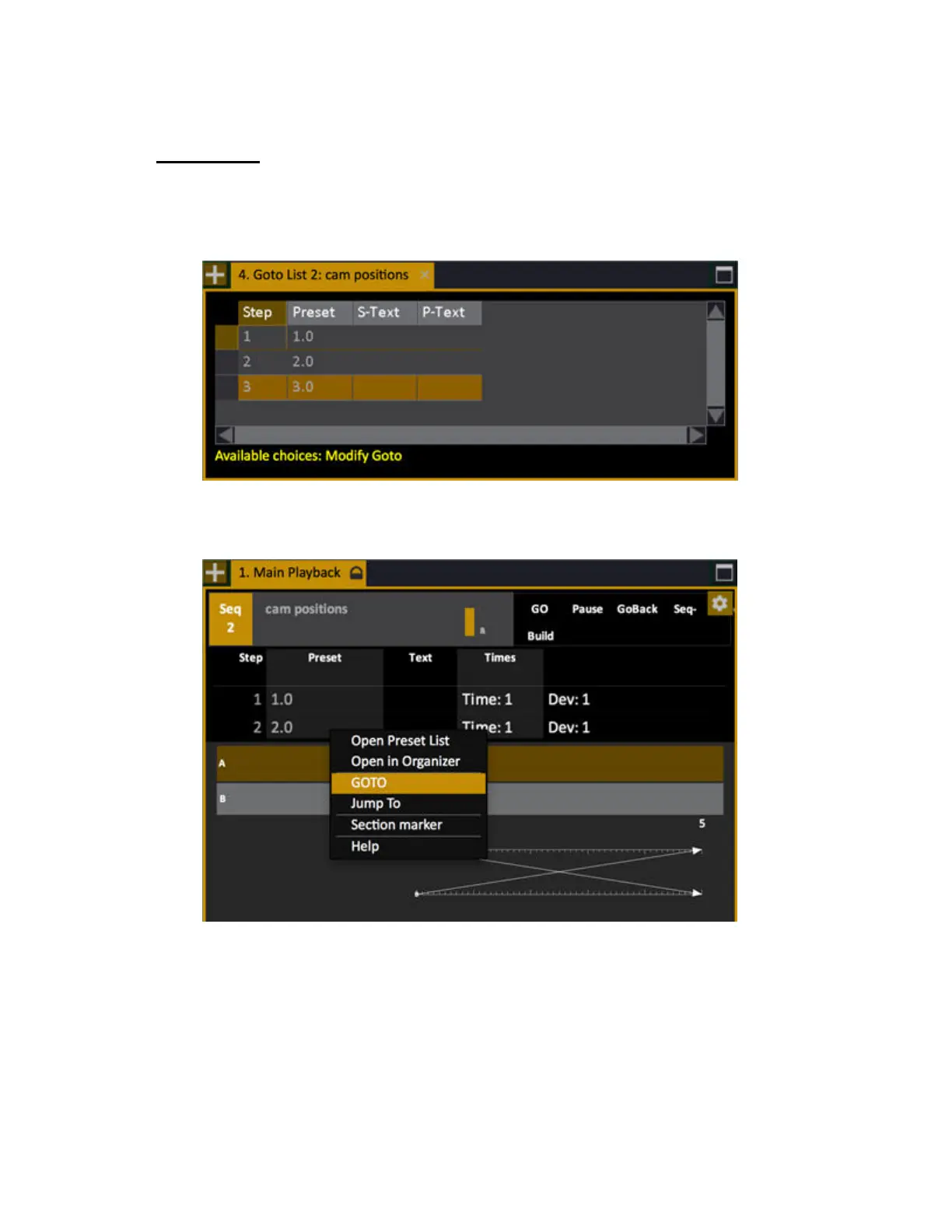
The node Browser >Main Playback >Goto List opens a dialogue that allows you to crossfade
directly (Goto) any recorded Sequence step in the Main Playback by selecting a step with arrow keys
or some other way, and pressing MODIFY.
You can also right click on any step of the sequence in the Playback tab and open the context menu
that allows you to Goto that step.



 To Next Page