Cobalt 8.1 - 20181029
399
Sequence - Modify Sequence Mode
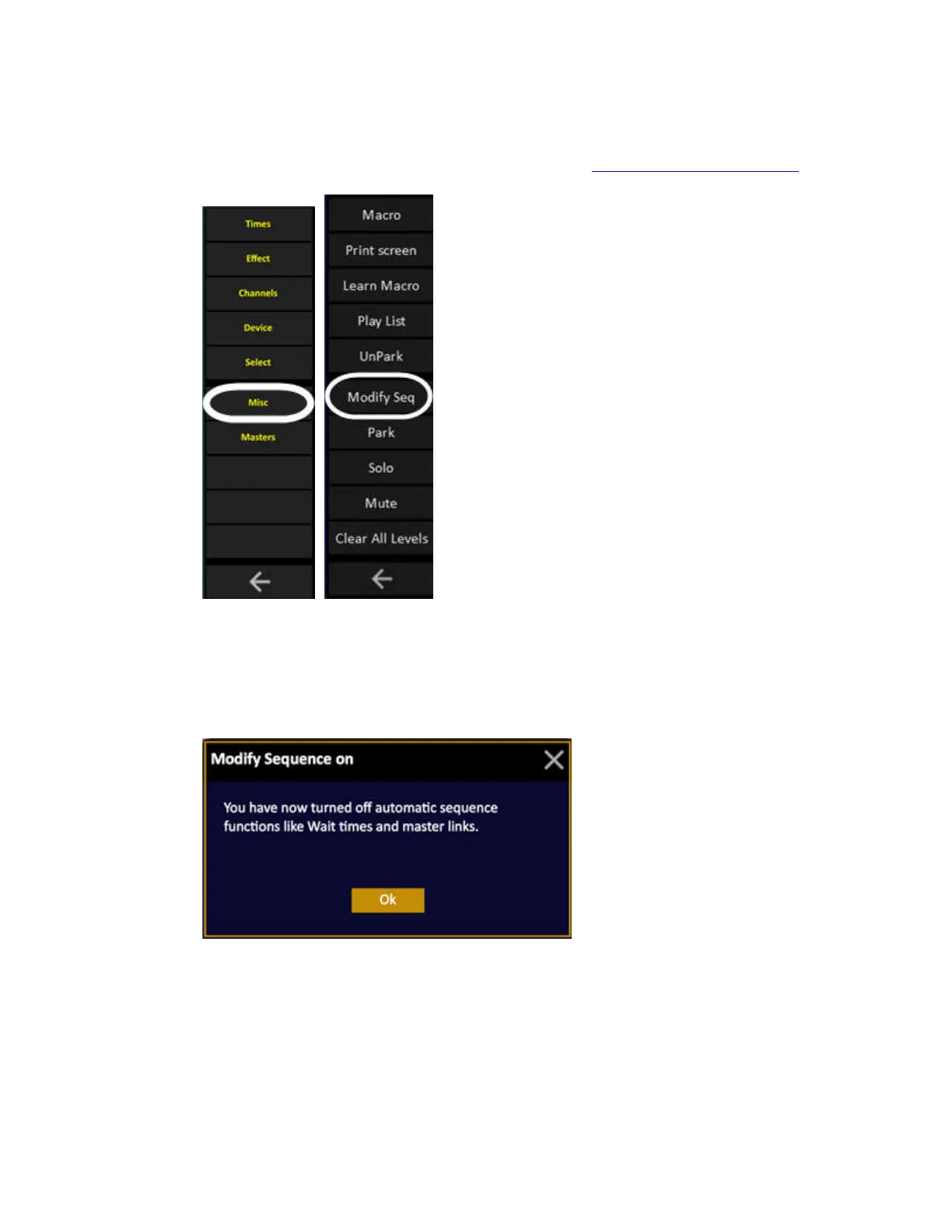
Press MODIFY SEQ in the Misc Soft Key Page to toggle. See Navigating - Misc Soft Key Page.
The default setting for this mode is OFF. When turned ON all crossfade in Sequences will disregard
Wait and Followon Times, Master Links, Master Pages, Links and other linked information. It is a
mode created for rehearsals where only the main lighting changes are advanced manually.
When activated there will be a popup explaining what this means for the user;



 To Next Page