Cobalt 8.1 - 20181029
674
NOTE
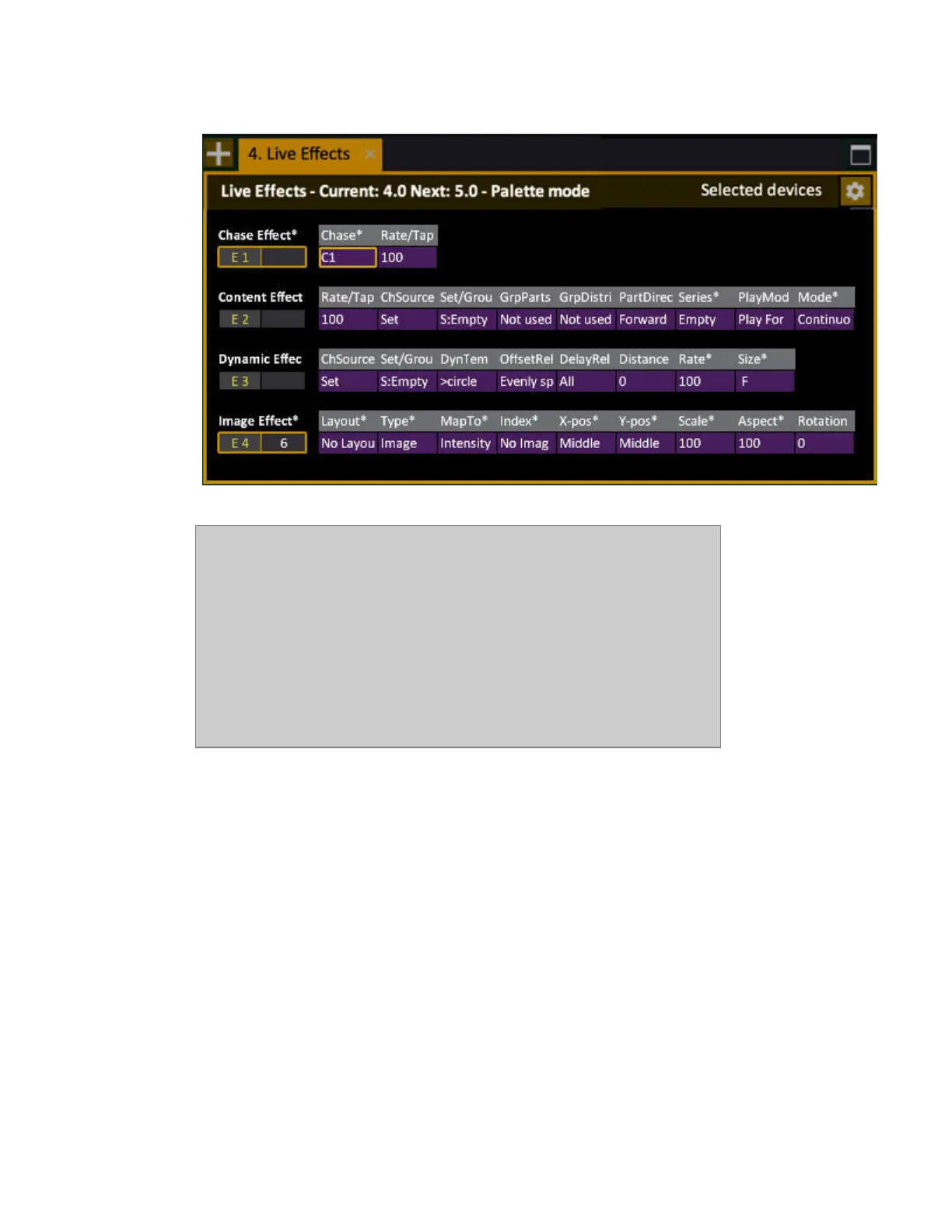
Effects are controlled, recorded and edited like any moving device with an
intensity. The only difference is that you select them with # EFFECT.
LIMITATIONS
Current limitations are:
• Number of effect channels: 100
• Number of outputs used by effects: 2 x 512
• Number of groups that can be used in effects: 256
Try out the effects in a Demo Play
One way of understanding the simple, and powerful features of the effects is to try them out in one of
the demo plays.
1. Open Demo Tour (Browser >Files >Open >Demo Plays >Demo_Tour)
2. Open the Demo_Tour Training Project (Browser >File>Training Projects >Demo_Tour)
Now you can test the pre-programmed effects of each type.
Chase Effect
1. Enter 1, press EFFECT and move the level wheel to full. You should now have a chase effect
shown in the training tab.



 To Next Page