Cobalt 8.1 - 20181029
114
Dialogues
All dialogues are opened on the currently focused screen.
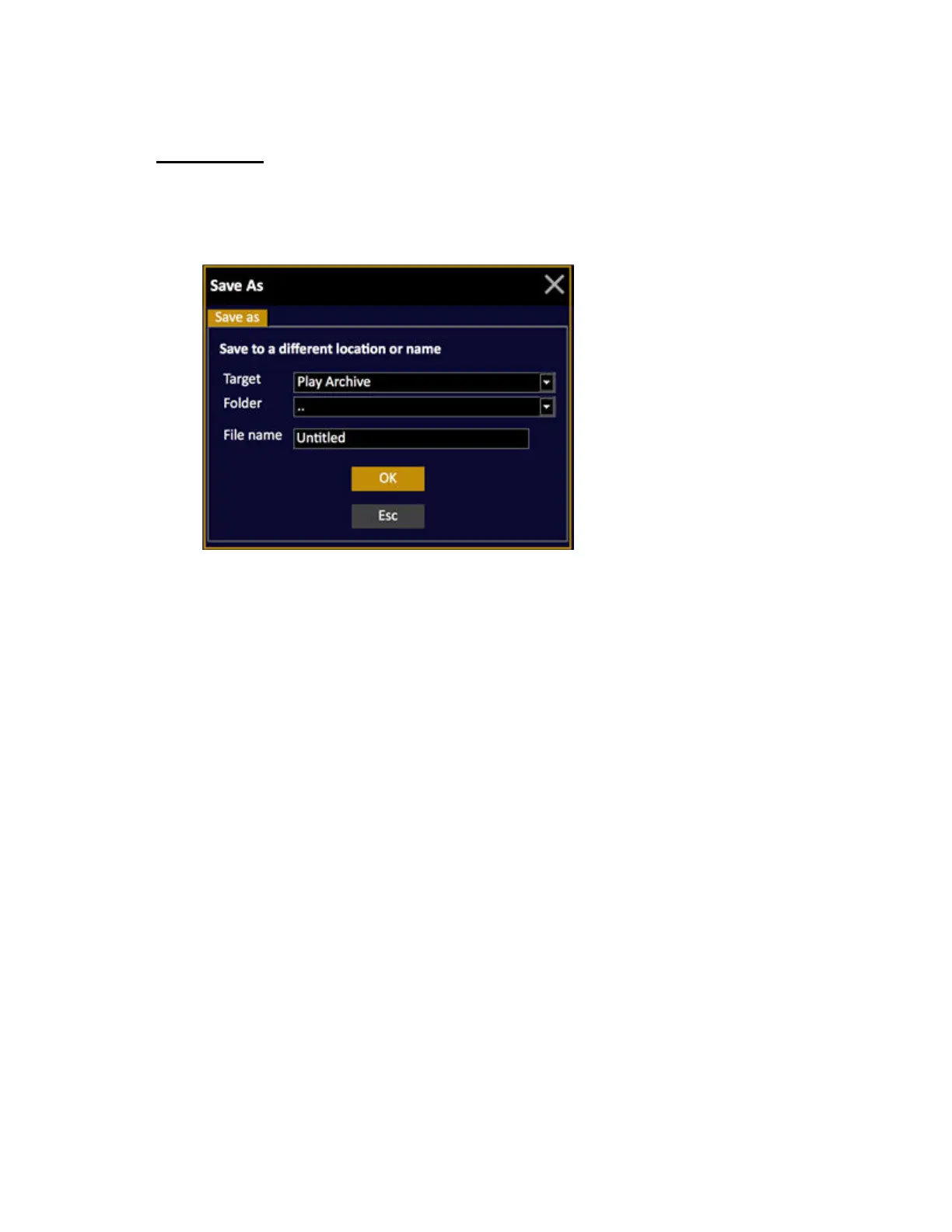
Example of the Save New Play dialogue
• To close a dialogue press ESC.
• To change dialogue tab, use the right/left arrows.
• To change settings use the up/down arrows to navigate inside a tab.
• Press MODIFY to open a dropdown menu.
• Enter a number and press MODIFY for numerical entries.
• Press MODIFY to toggle a checkbox option.
• To enter a text, press MODIFY to activate text entry, enter text, press MODIFY to terminate.



 To Next Page