Cobalt 8.1 - 20181029
983
Testing iRFR network connectivity
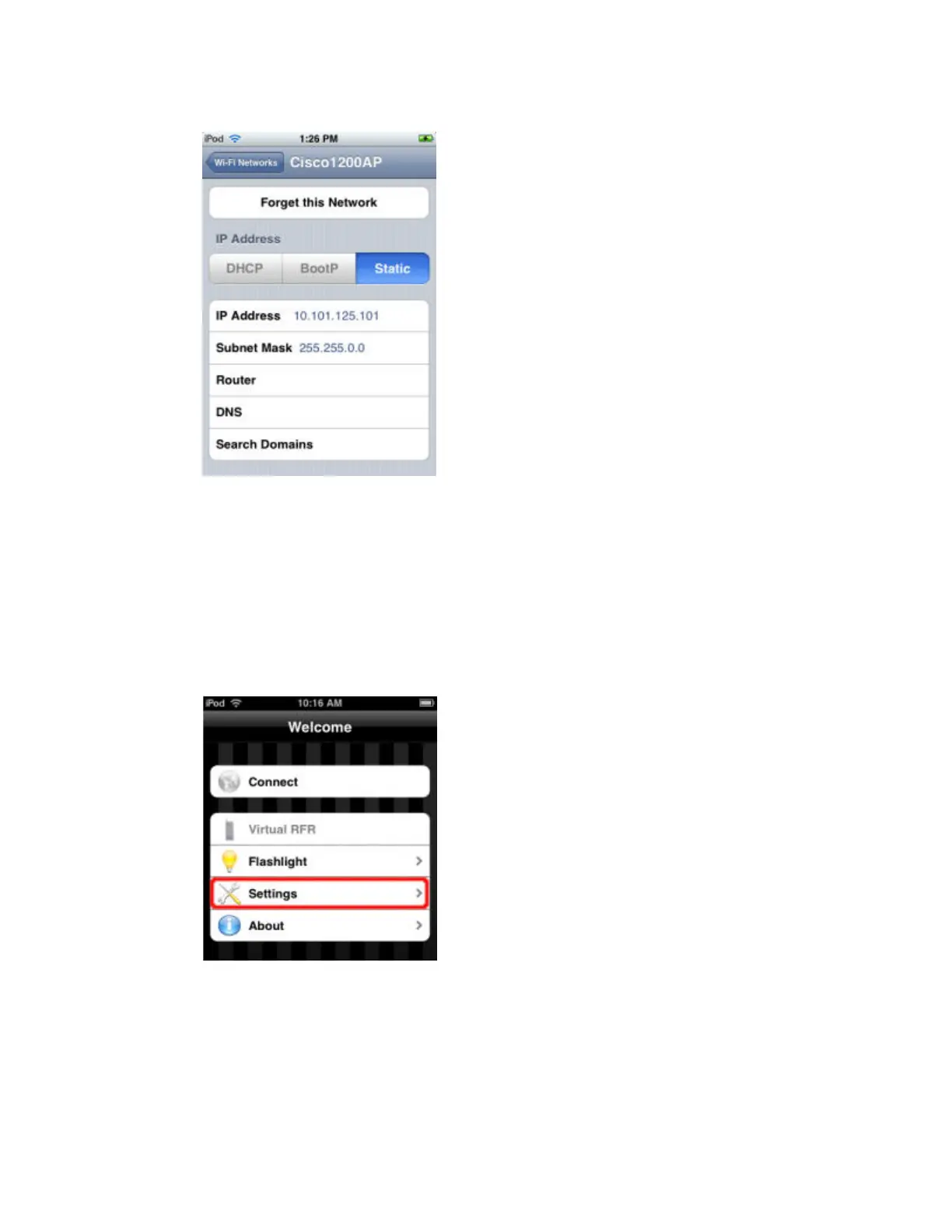
Once your iPhone/iPod is configured to be on the same wireless network as your console, here's a
quick test to make sure the iRFR and your console can talk.
1. Launch the iRFR app on your iPhone/iPod.
2. At the Welcome screen, click Settings.
3. Fill in the Host field with the IP address of your console (see the tip below if you don't know how to
locate your console's IP address).



 To Next Page