Cobalt 8.1 - 20181029
471
Channels - Scale channel levels
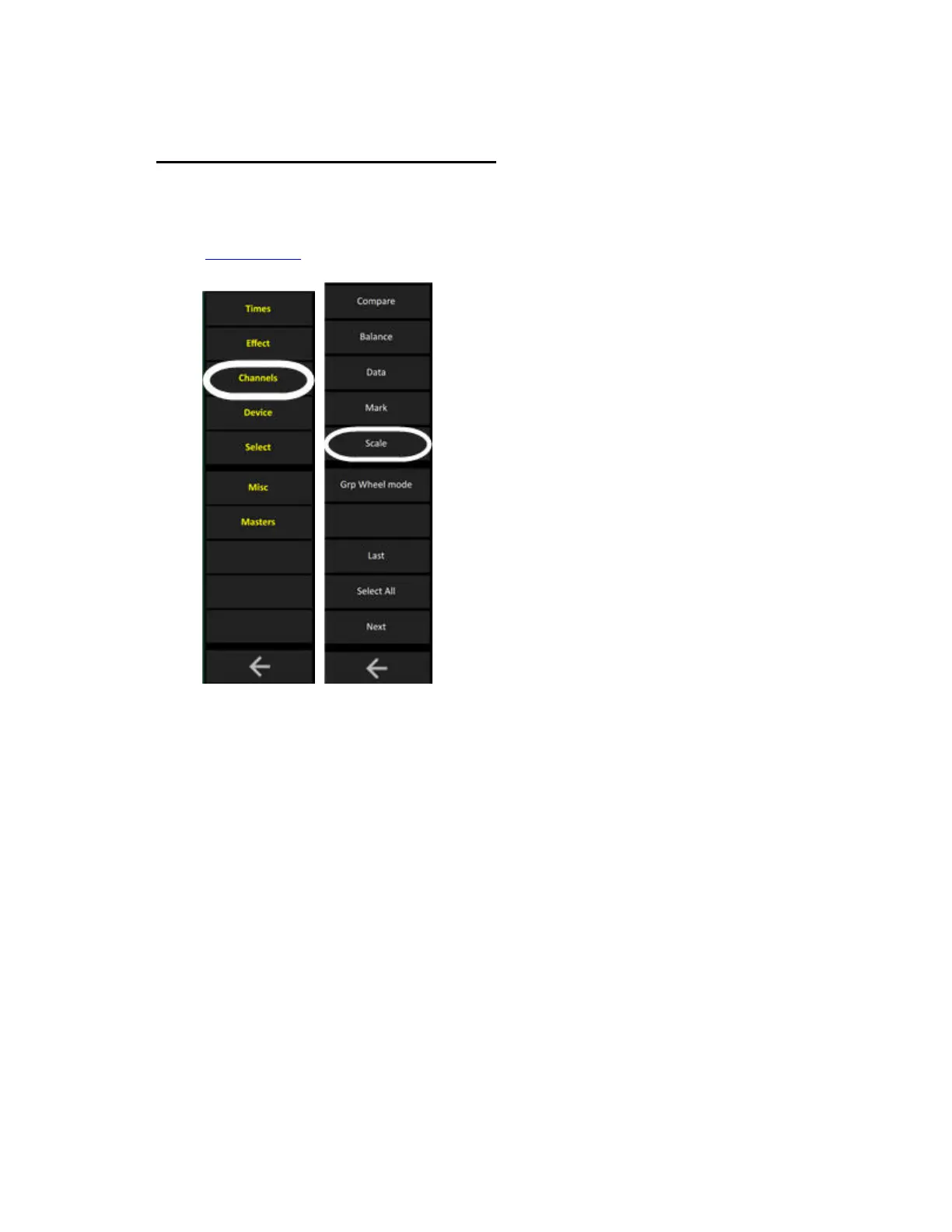
The SCALE key in the Soft Keys makes it possible to apply a scaling factor to the intensity level of
any channel/device.
(Soft Key Pages
are commands in the lower right corner of screen 2)
When 100%, channels are controlled and played back at normal or recorded levels. Scale settings
other than 100% will proportionally inhibit or boost the intensity output by the channel. For example,
a channel scaled to 150% will play back 75% when actually recorded and played back at 50% by a
preset.
Scaling is used in situations such as:
• When the light source is too bright due to temporary change of hanging position (100-0%)
• When you need to brighten part of a rig temporarily to adapt it for camera footage (100-
200%).
• When a touring rig is adapted to a different stage size.
Scaling with the SCALE soft key
1. Hold the SCALE soft key in the Channels Soft key page of the main display. The channel view will
show the scale levels.



 To Next Page