Cobalt 8.1 - 20181029
656
NOTE
Select format by pressing FORMAT.
Hold FORMAT and press Down Arrow to open up Time and Delay rows. See
Device Times - Attribute Time Editor
Live Attributes - Columns
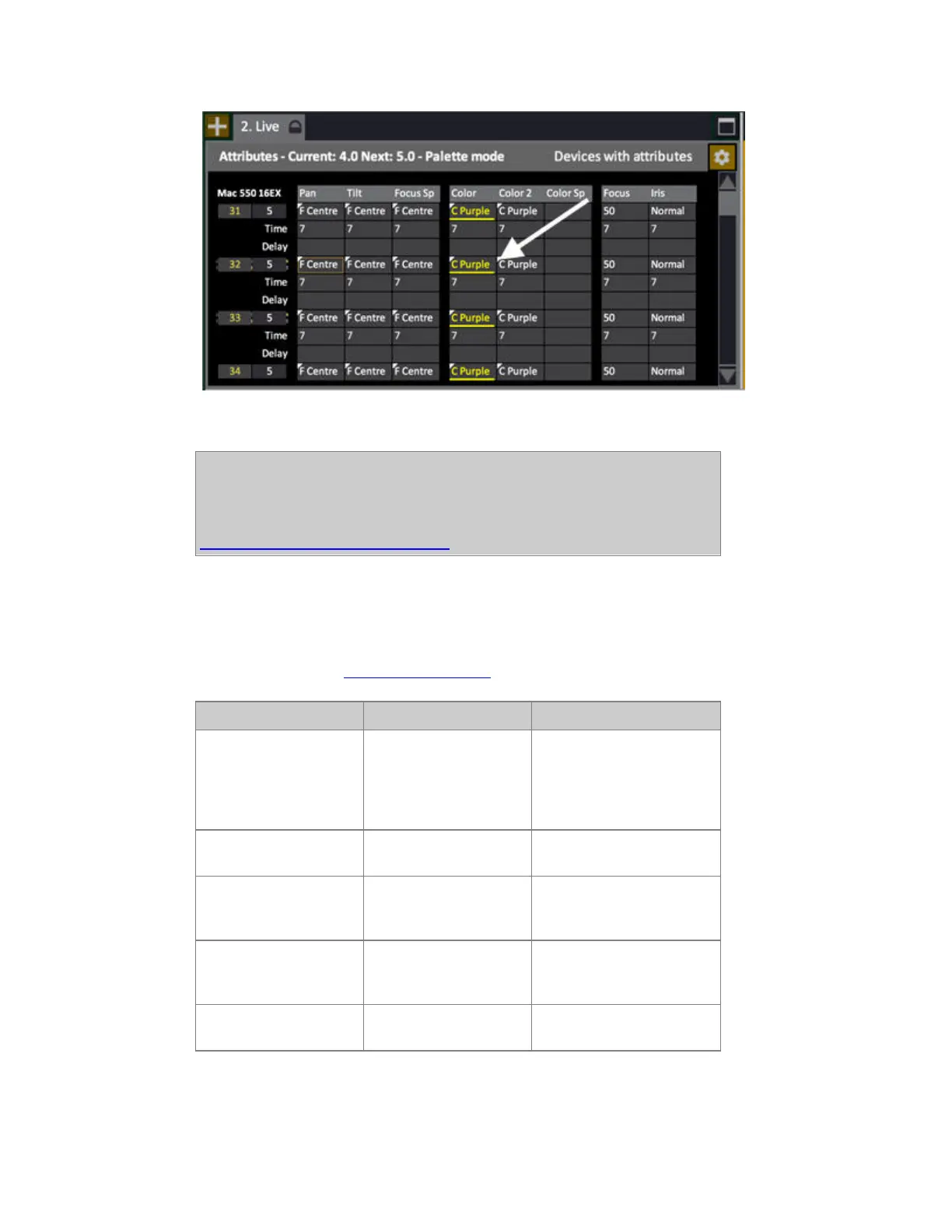
These are the different Moving Device parameters that are displayed for each with their current
values. For editing see Device Views - Editing
Function group Parameters Explanation
Channel & Level No input The number of the device is
highlighted when selected,
and red when focused with
NEXT/LAST. The level is
indicated to the right.
FOCUS Pan, Tilt, Focus Speed Current parameter values
are shown.
COLOR Cyan, Magenta, Yellow,
Color, Color2, CTO,
Color speed etc...
Current parameter values
are shown.
BEAM Focus, Iris, Zoom,
Strobe, Gobo, Gobo <>,
Gobo rot, etc...
Current parameter values
are shown.
CONTROL* Aux 1, Control, Dummy
ch's etc...
Current parameter values
are shown.



 To Next Page