Cobalt 8.1 - 20181029
413
Sequences - Drag And Drop
There are many ways of moving around data in a sequence. Drag and drop is one of them. It can be
useful if you want to reorganize the order of your sequence steps, or for example if you want to move
an attribute link from one step to another.
NOTE
You cannot drag and drop steps in a Cue Sequence.
Drag and Drop a Sequence Step
Moving or copying a sequence step to another position can be done in all three Sequence views:
• Playback View
• Sequence List
• Organizer
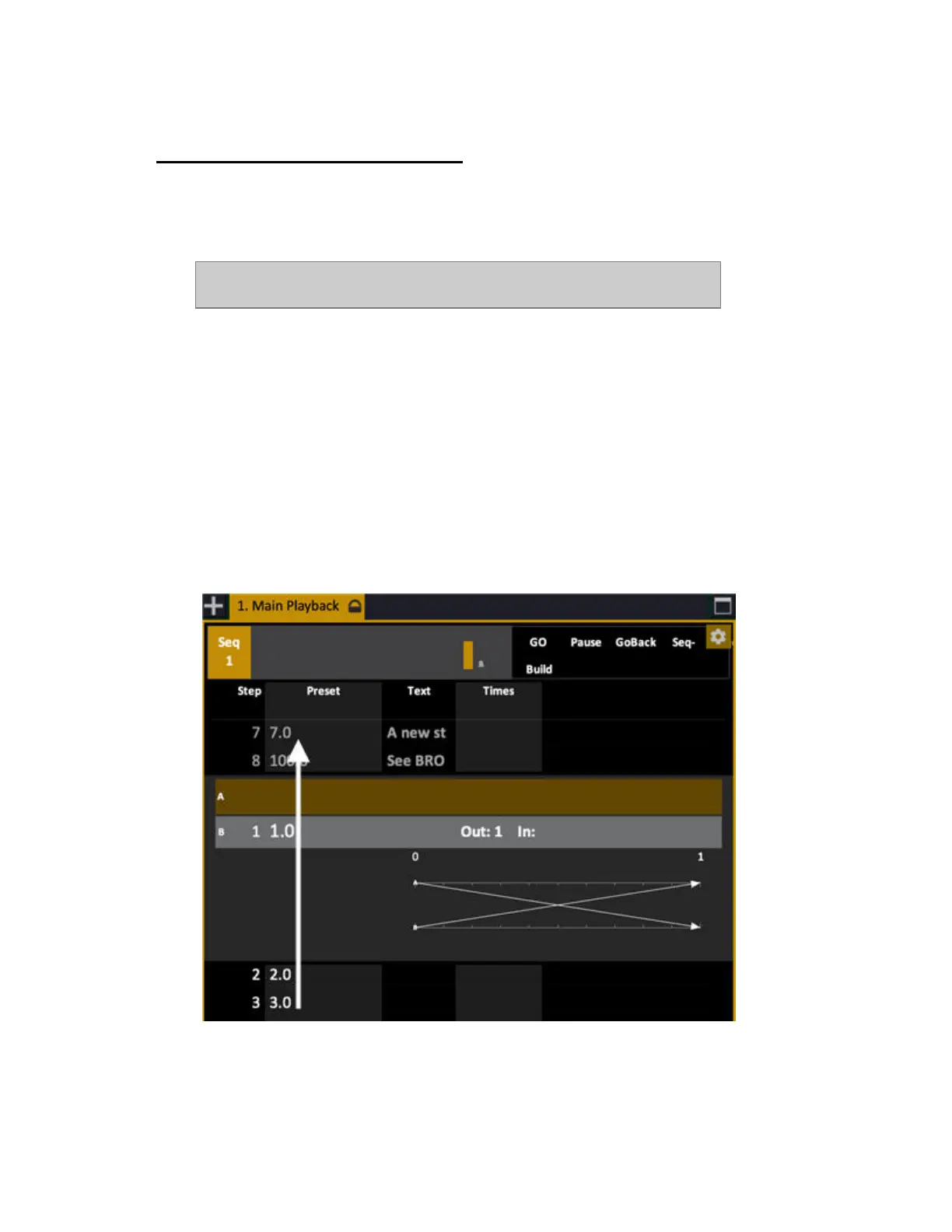
Simply select the step you wish to move, click, hold and drag to another position and drop.
In the Playback View:



 To Next Page