Cobalt 8.1 - 20181029
988
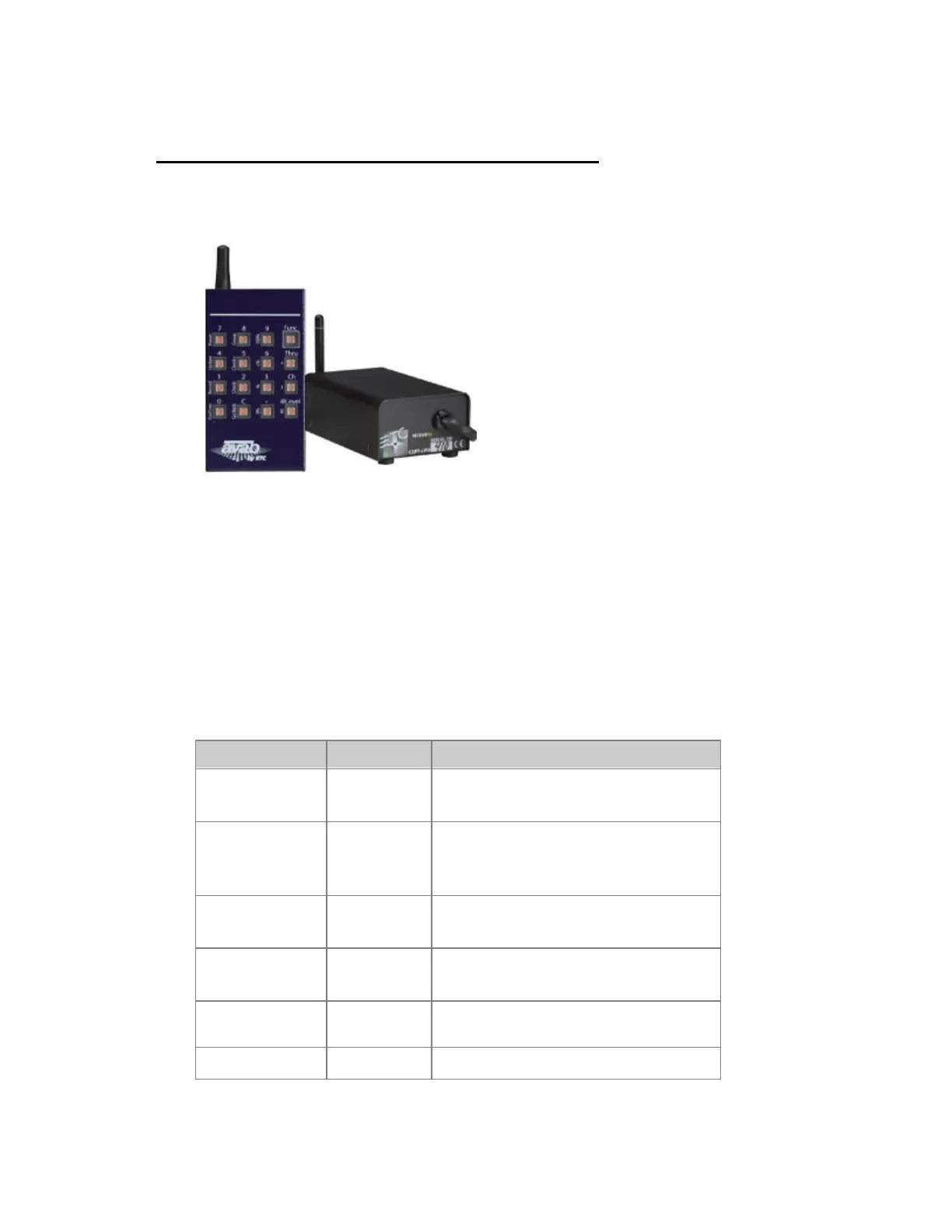
Remote Control - cRRFU Radio Remote
All instructions for connecting and operating the older, compatible ETC CRRFU Radio Remote
control are packaged and delivered with this unit.
Crrfu Remote Functions
The transmitter has two available commands for each key on the unit.
Direct commands are displayed above each key. To access the commands that are displayed vertically
to the left of each key, press the [FUNC] key first (do not press and hold [FUNC]).
An example of mixing direct and [FUNC] commands to record channels 1-5 at 75% into Preset 5
follows:
[1] [CHAN] [5] [THRU] [7][5] [@ LEVEL] [5] [FUNC] [RECORD]
Function Key Feedback
Select a channel
[#]
[CHANNEL]
Channel is selected
Add channels
[#] [THRU]
[#] [FUNC]
[+]
Channels are added to selection
Subtract channels
[#] [FUNC]
[-]
Channels are subtracted from selection
Select Group
[#] [FUNC]
[Group]
Channels in Group # are selected
Select All
[FUNC] [All]
Selects all channels with a level that were
set from the remote
Set to Full
[FUNC]
Levels for the selected channels are set to



 To Next Page