Cobalt 8.1 - 20181029
398
Sequences - Build & Modify Modes
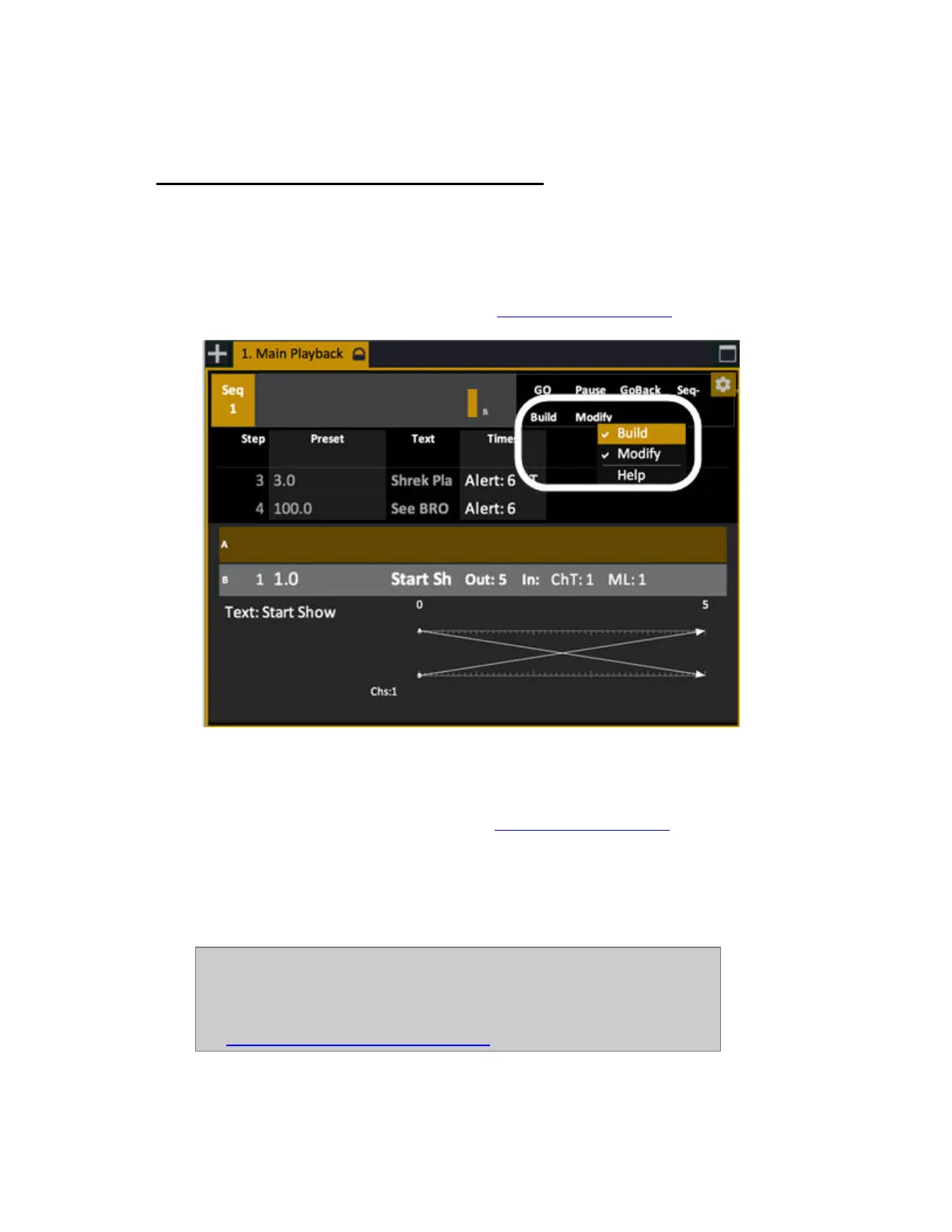
There are two modes that affect recording and playback of Sequences. Build Sequence and Modify
Sequence.
The fastest way to toggle them on/off is with the context menu (right-click) on the header of the
Playback Tab.
Both can be set in System Settings as well. See System Settings - Crossfade
.
Sequence - Build Sequence Mode
This mode is set in the Crossfade Settings. See System Settings - Crossfade.
The default setting for this mode is ON. When ON every Preset recorded in the Live or A tab will
automatically be added to the Sequence in the Main Playback (in numerical order). The only reason to
set this mode to OFF is when a Preset recorded in Live or A should NOT be added to the sequence in
the Main Playback.
NOTE
You can record a Preset without adding it to the Sequence in the Main
Playback with a shortcut; # RECORD & PRESET
See Record Preset - Do not add to Sequence



 To Next Page