Cobalt 8.1 - 20181029
468
Channels - Check Mode
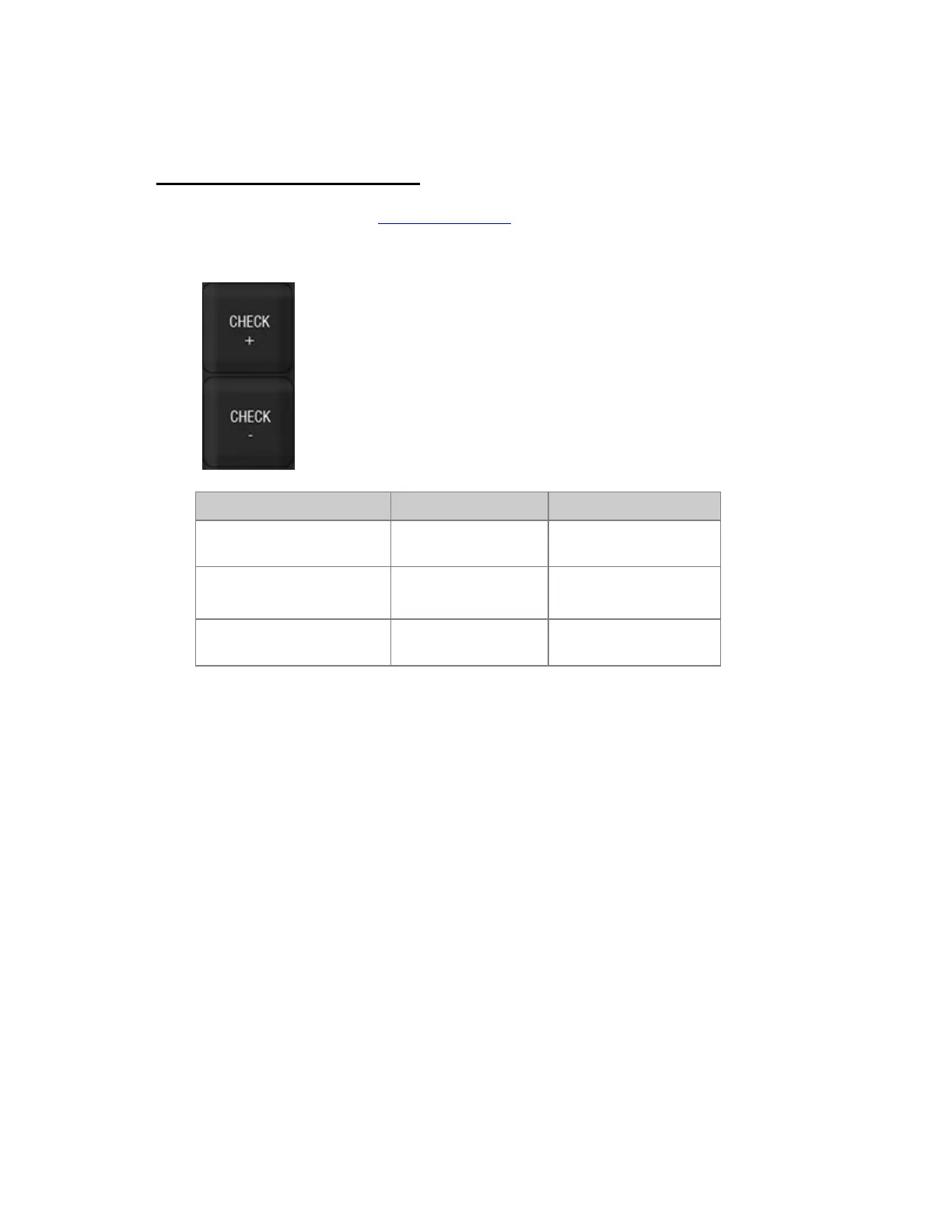
The CHECK +/- keys in the programming section are used for stepping through a series of channels at
any selected level. If a channel is already set to a level when checked it will cut back to the previous
level when the next channel is checked.
Action Key Feedback
1. Select start channel and
set a level
[#] Level_Whee
This level will be used by
check mode.
2. Activate temporary check
mode in up or down direction
[CHECK+]
[CHECK-]
The level is set to the
next/previous channel.
3. Exit temporary check
mode
[C/Alt]
Check mode is exited



 To Next Page