Cobalt 8.1 - 20181029
362
Presets - Import & Undo
If you need to import a preset from a previously saved version of your play, because you want to undo
the current changes - it is done in the organizer.
1. Open the Import Organizer for the last saved version (name.001) in the Browser (Browser >Files
>Import From >Play Archive)
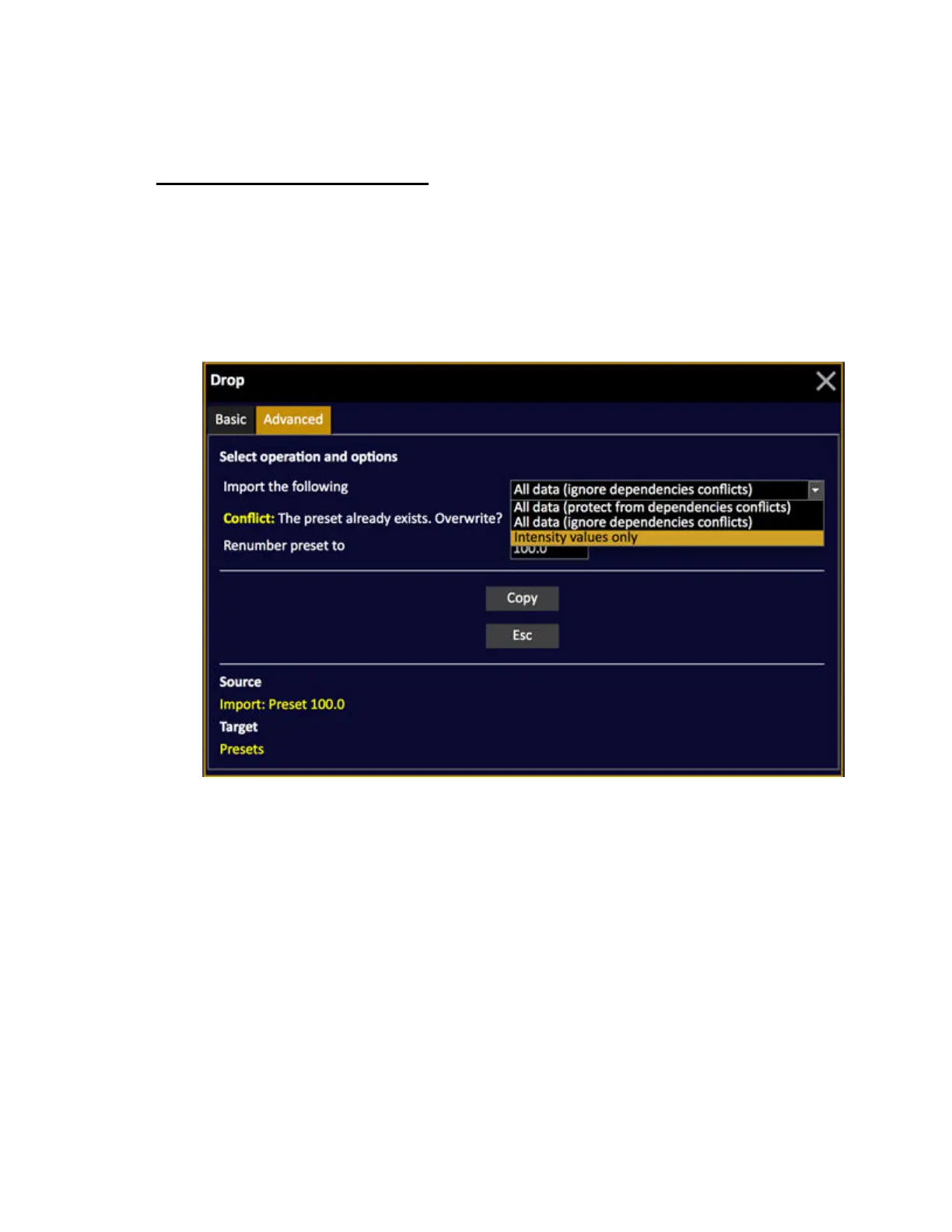
2. Drag the previously saved version of the preset and drop on the same preset in the current play
3. In the Advanced dialogue, check the box "overwrite" (or save with a different number)



 To Next Page