Cobalt 8.1 - 20181029
346
1. Current Channel View format
2. Settings
3. Channel view
4. Spreadsheet view
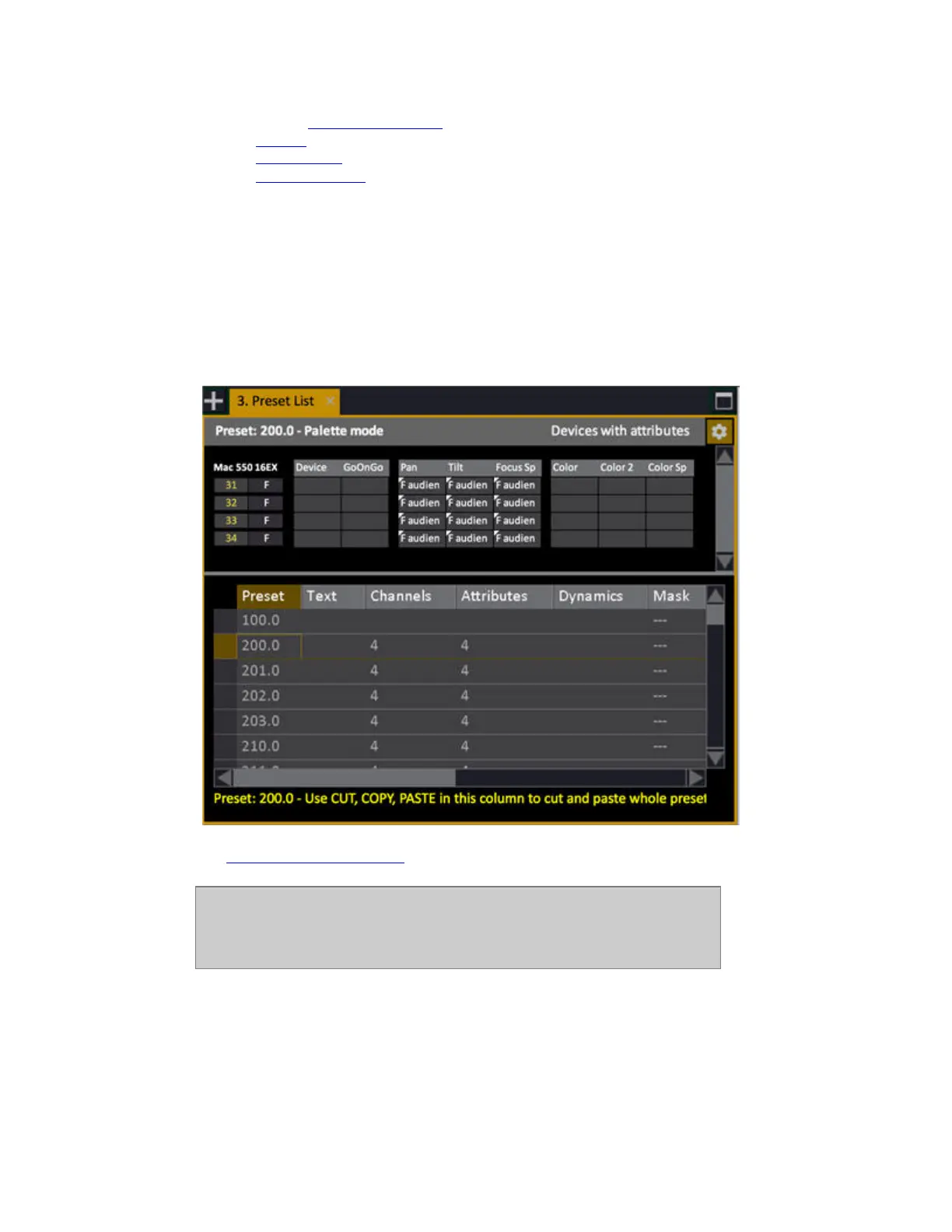
Preset List Channel View
The top part of the Preset list is a channel view where you can edit all the channel and attribute values
directly.
Press ATTRIB to toggle to the attribute view between channels and attributes. In the attribute view
you can use all the moving device controls to edit parameters.
See Navigating - Channel Views
.
NOTE
You can only edit attributes with console functions (wheels and keys). If you
want to edit attributes on the screen, move to the Attributes cell and press
MODIFY to open the Preset Attribute Editor.



 To Next Page