Cobalt 8.1 - 20181029
517
Track - Palettes
All types of Palettes can be tracked through the current Play. This is done by selecting the Palette in
the Palette node of the Browser (F10) and pressing TRACK.
Function Key Feedback
1. Open the "Palettes" node
in the Browser
See Navigating -
Browser
Palettes node is selected
and opened
2. Open a Palette type
(Focus, Color, Beam, All)
See Navigating -
Browser
A Palette node is selected
and opened
3. Select a Palette See Navigating -
Browser
A Palette is highlighted
4. Track this Palette
[TRACK]
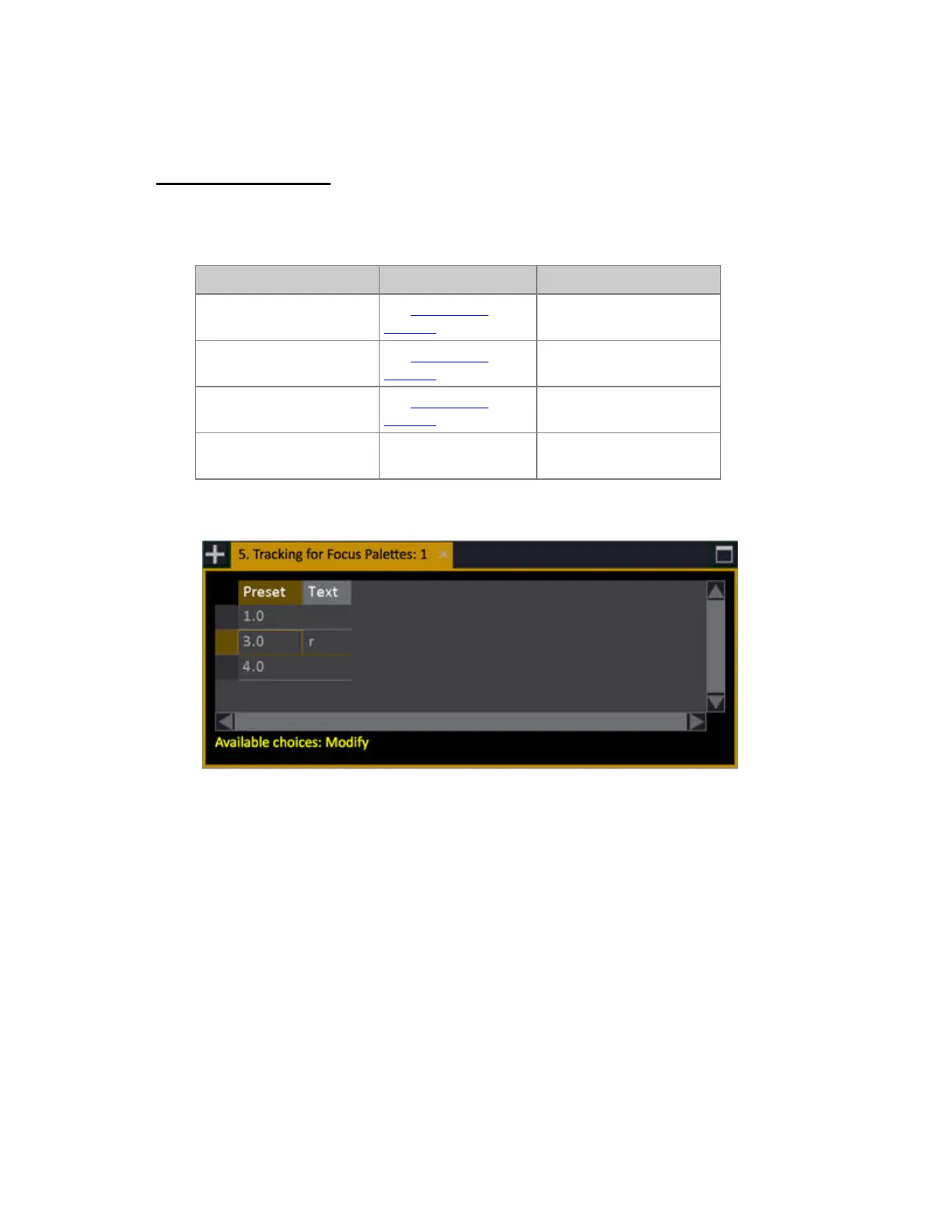
Track List for Palette # is
opened*
*Track list for tracking Color Palette 3.0 from the Browser.



 To Next Page