Cobalt 8.1 - 20181029
753
Effect layouts (8.0)
An effect layout is the "projection screen" for an image effect. It defines the number of channels in the
layout. The layout is in turn set as target to a Pixel Grid in a Magic Sheet that determines how pixels
from a source image will apply to these channels. See Magic Sheets
.
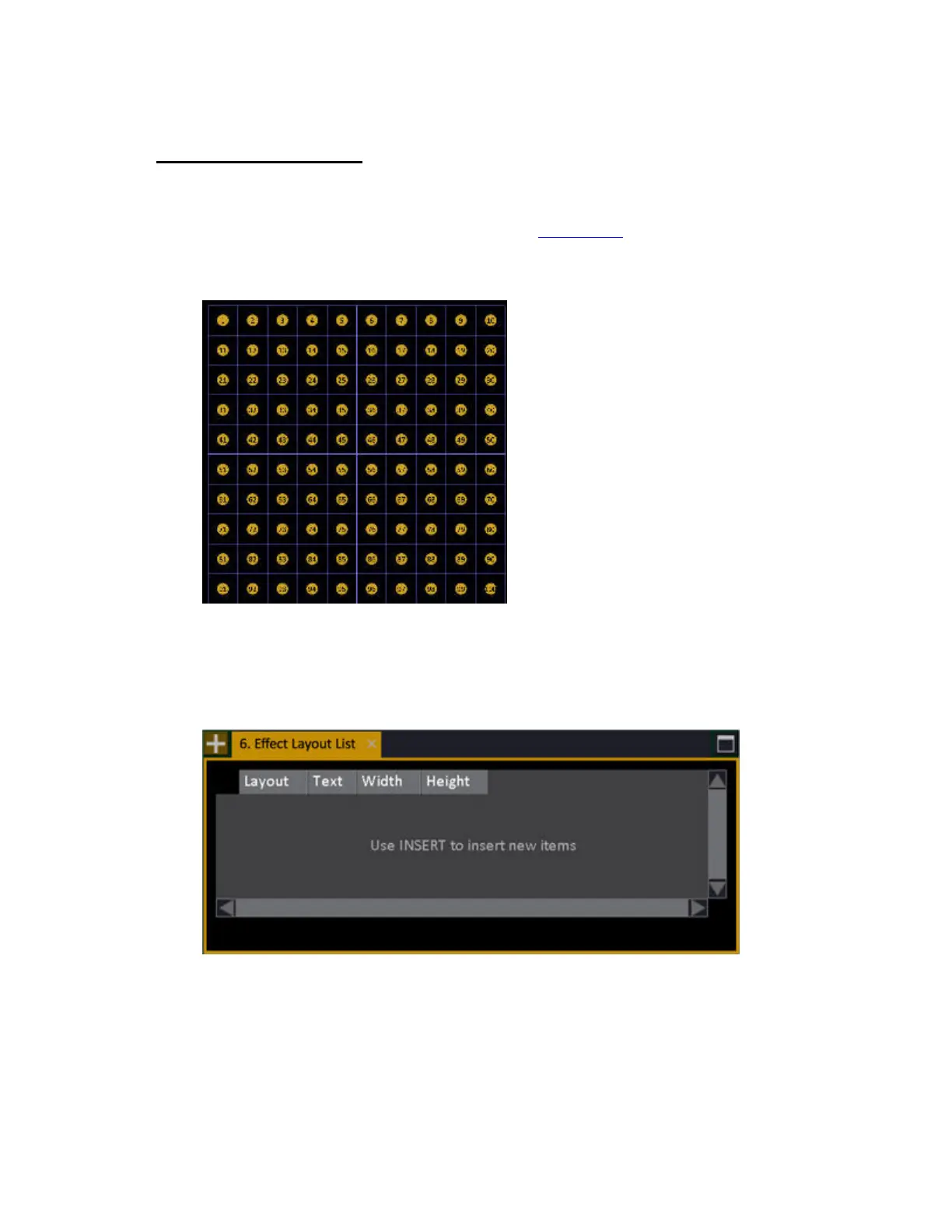
This is what a 10 x 10 Pixel Grid will look like with 100 channels in it.
Create a new effect layout (8.0)
1. Open the effect layout editor (Browser >Effects >Image Effects >Effect Layouts...).
2. Press INSERT. You will get a popup where you can define the width and height in "pixels". One
pixel is the smallest possible resolution, and usually a single light source.



 To Next Page