Cobalt 8.1 - 20181029
981
Default Static IP Addresses
Cobalt Congo Jr Cobalt Light Server
IP Address
10.101.80.101
IP Address
10.101.81.101
IP Address
10.101.82.101
Subnet Mask
255.255.0.0
Subnet Mask
255.255.0.0
Subnet Mask
255.255.0.0
IP Gateway
10.101.80.101
IP Gateway
10.101.81.101
IP Gateway
10.101.82.101
RVI Wireless Router/AP iPhone/iPod
IP Address
10.101.85.101
IP Address
10.101.124.101
IP Address
10.101.125.101
Subnet Mask
255.255.0.0
Subnet Mask
255.255.0.0
Subnet Mask
255.255.0.0
IP Gateway
10.101.85.101
IP Gateway
10.101.124.101
IP Gateway
10.101.125.101
iPhone and iPod Configuration
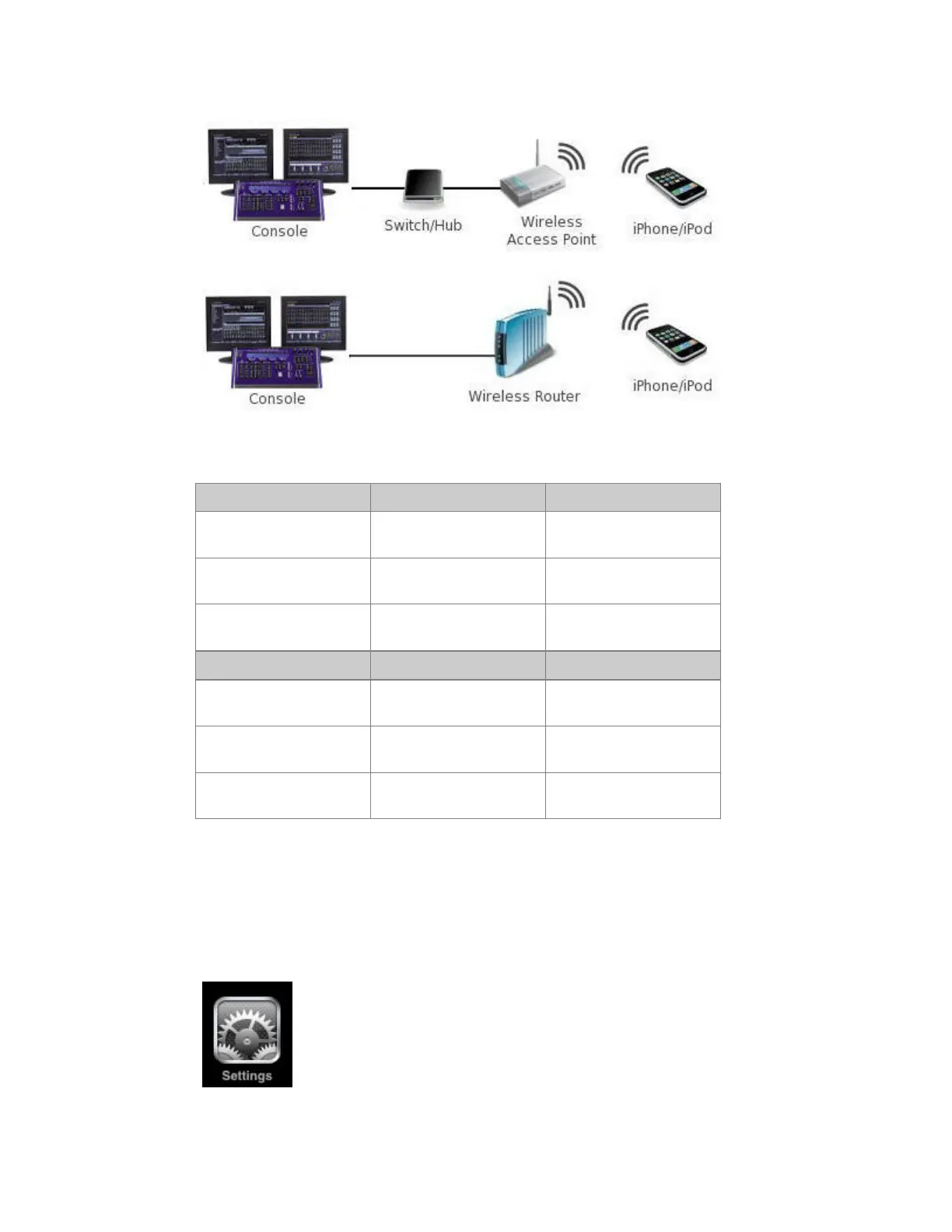
Once your wireless network is setup, you must configure your iPhone/iPod to connect to it:
1. On your iPhone/iPod press the Settings icon.



 To Next Page