Cobalt 8.1 - 20181029
309
User Templates
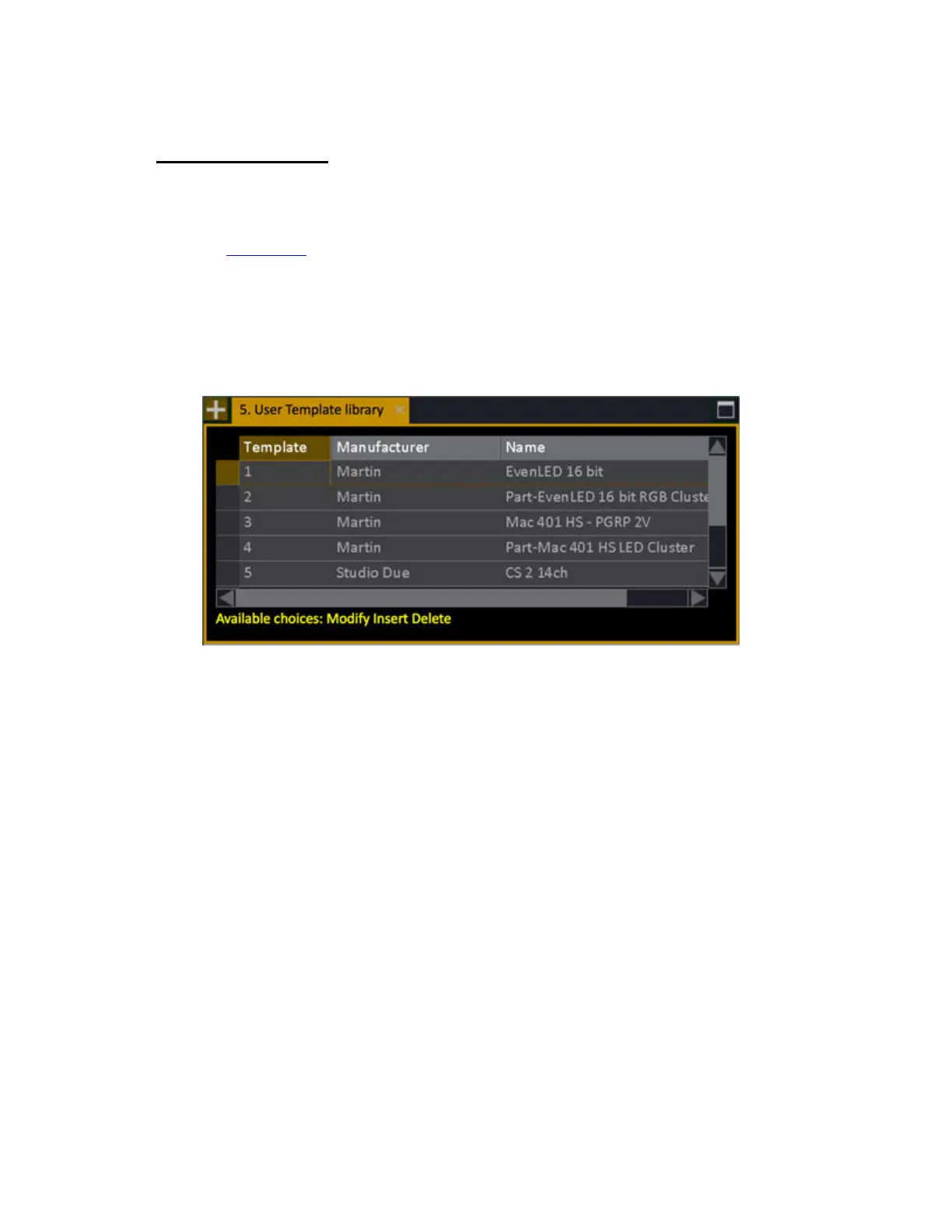
All user templates, new or modified, that are in the User Library are displayed in the User Templates
node (Browser >Patching >Settings & Tools >User Templates). This is where you can add templates
from your current show file to the User Library, and/or delete user templates from the User Library.
See User Library
.
• Use INSERT to select a template from the show file to store into the User library.
• Use DELETE to delete a template from the library.
When inserting templates, the system will automatically include part templates that are used by the
template you specify.



 To Next Page