Cobalt 8.1 - 20181029
502
Editing In Blind
Most normal controls of the console are available for editing in Blind.
Select channels and/or devices and you can
• Set/change intensities with level wheel or level keys
When the attribute view is open you can
• Change parameters with parameter wheels
• Activate palettes with palette keys and/or direct selects
• Use Fetch to copy attributes and levels from any existing preset
Edit Attributes on screen
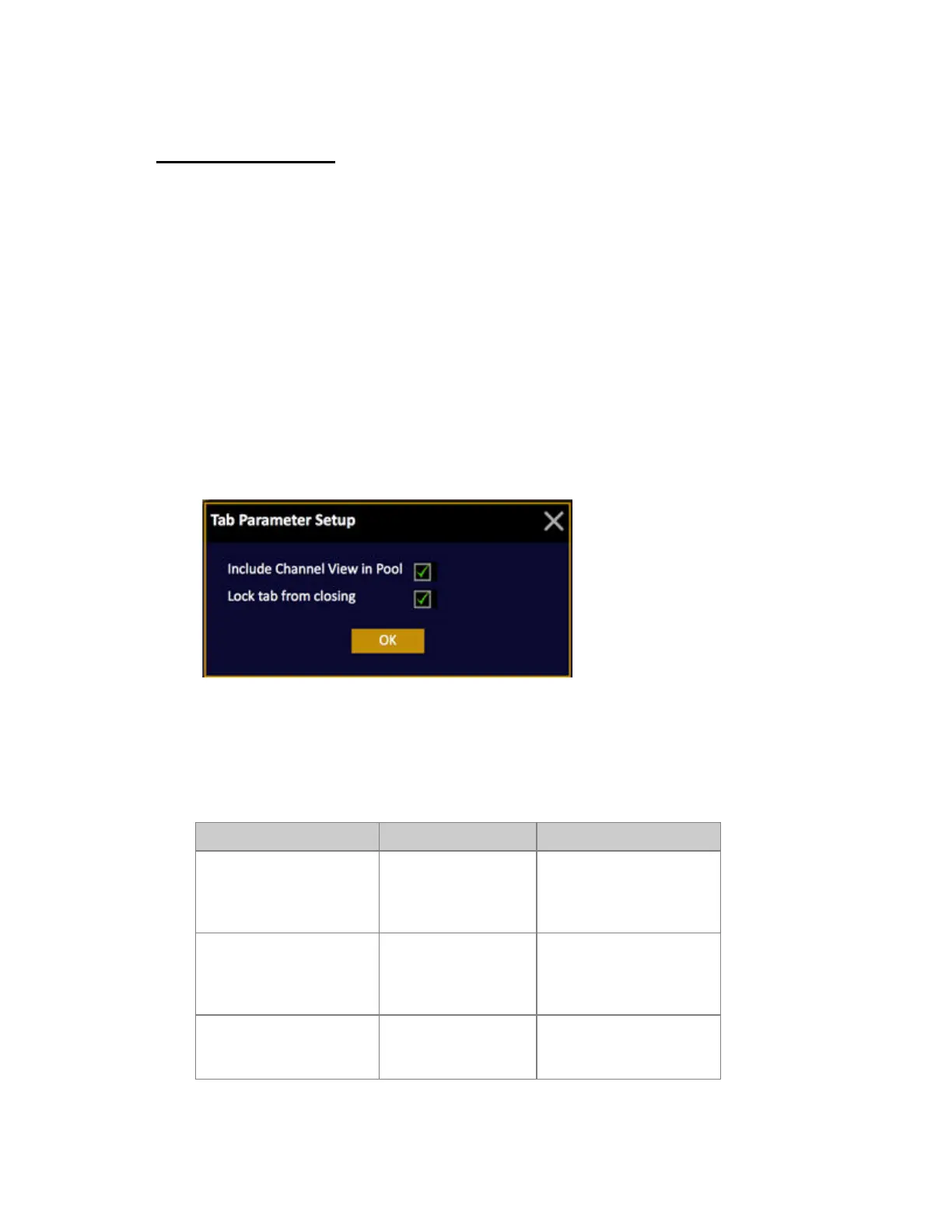
Please note that Spreadsheet editing on screen is OFF as default. To activate this open the tab settings
by holding SETUP and pressing TAB.
Record and copy in Blind
Recording
You can record from Blind directly to a master, or to Preset.
Action Key Feedback
Record to a Master
[RECORD] &
[Master_Key]
A popup will ask you to
confirm that the content of
Blind is recorded to that
Master Playback.
Record Blind
[RECORD]
A popup will ask you to
confirm that the content of
Blind is recorded to the
next free preset.
Update Preset
[UPDATE]
A popup will ask you to
confirm updating the preset
currently loaded to Blind.



 To Next Page