Cobalt 8.1 - 20181029
558
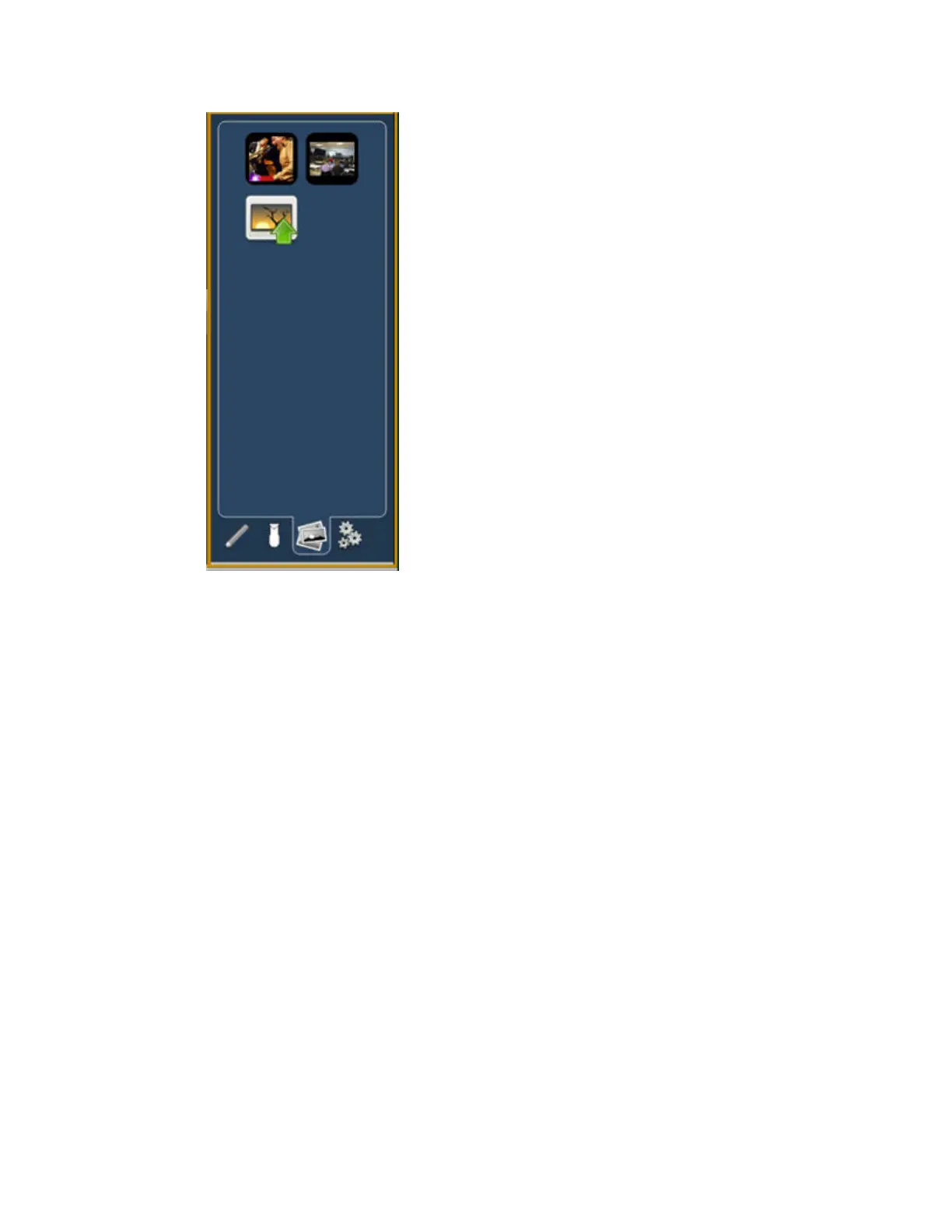
Images from the third tab can be imported into magic sheets to be used as background images or as
icons. You can use a graphics image file as a background or icon. The following is a list of accepted
image formats: .bmp, .gif, .ico, .jpg, .pbm, .pgm, .png, .ppm, .svg, .svgz, .tga, .tiff, .xbm, and .xpm.
• The maximum image size allowed is 1920 x 1920.
• You will need to have the images on a USB drive to import them into the desk.
• Once an image has been imported, it is saved with the show file.
To import an image:
Step 1: Click on the import image icon. A separate window will open displaying any found USB
drives.
Step 2: Select the appropriate drive.
Step 3: Navigate to the file you use to upload.
Step 4: Click on the file and then press {Ok}. It will now appear in the images tab.
Click on an image to select it. To use as an icon, drag and drop the image onto the magic sheet. You
will be able to resize it.
Background images need to be set in the background settings tab. You can also adjust the background
settings there.
Magic Sheets - Background Settings (8.0)
You can set a solid color, gradient or image as a background for a Magic Sheet.



 To Next Page