Cobalt 8.1 - 20181029
181
Network - Update Service
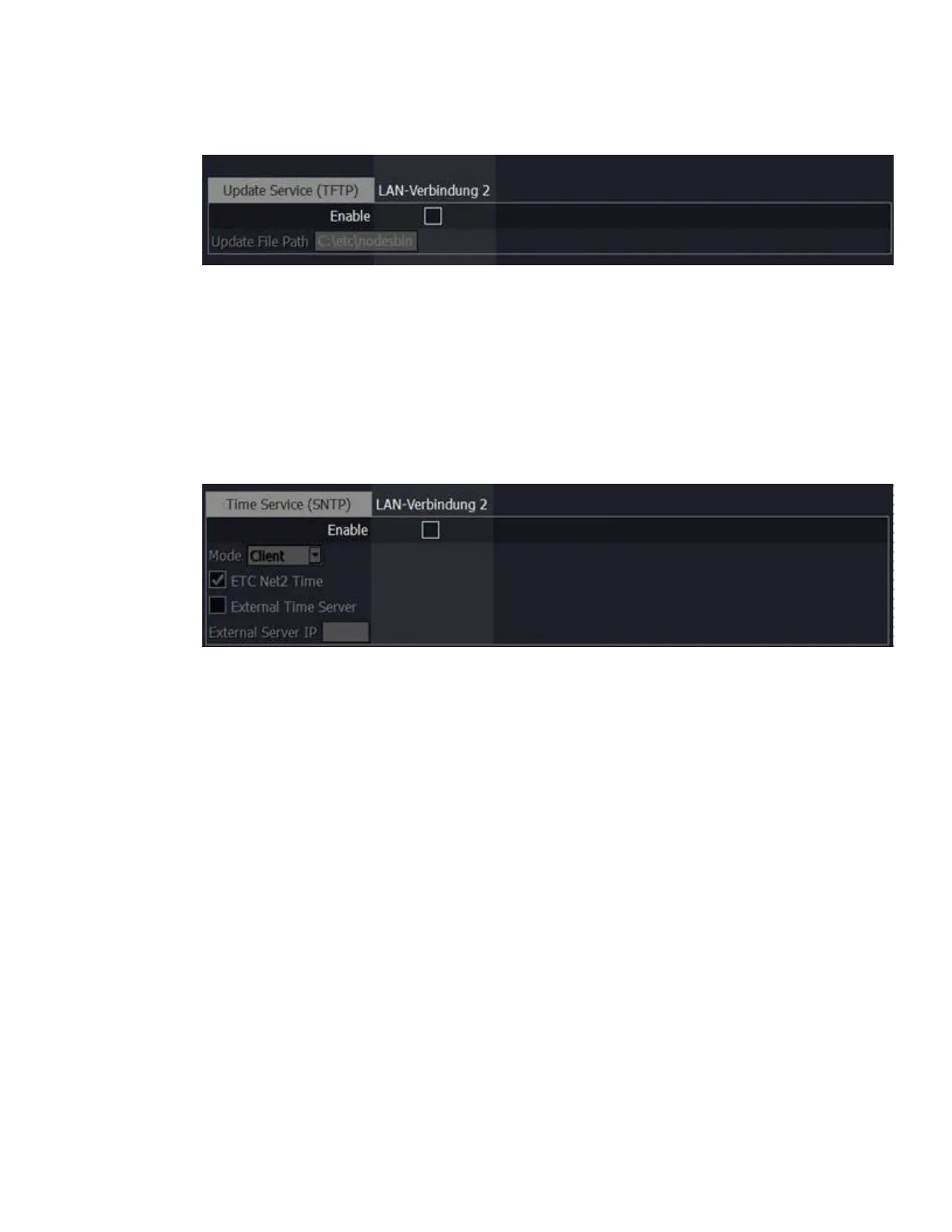
• Update Service (TFTP)
Clicking in the enable box will start the TFTP (Trivial File Transfer Protocol) server.
• Update File Path - This sets the directory where network device firmware files are to be
served through TFTP. This must be the full path to the directory, including internal drive
letter. The default is: C:\etc\nodesbin
Network - Time Service
• Time Service (SNTP) Enable
Enabling this starts the SNTP (Simple Network Time Protocol) service.
The console can run either as a client (receiving time messages) or as a server (sending time
messages).
• ETC Net2 Time
Only use if you have Legacy Unison dimmers.
• External Time Server
Cobalt can also get the current time from an external NTP server
• External Server IP:
If External Time Server is enabled, enter the IP address of the Time Server here, eg if you
have a local server that is to be the definitive source of the current time for the console..



 To Next Page