Cobalt 8.1 - 20181029
593
Device Control - Flip
If a moving head reaches its end position for Pan - it is possible to press FLIP to invert the pan and tilt
values so that the end position is "passed". Observe that the result of a flip depends on the pan range
of a device, and will not always be the same position as before the flip.
(Soft Key Pages
are commands in the lower right corner of screen 2)
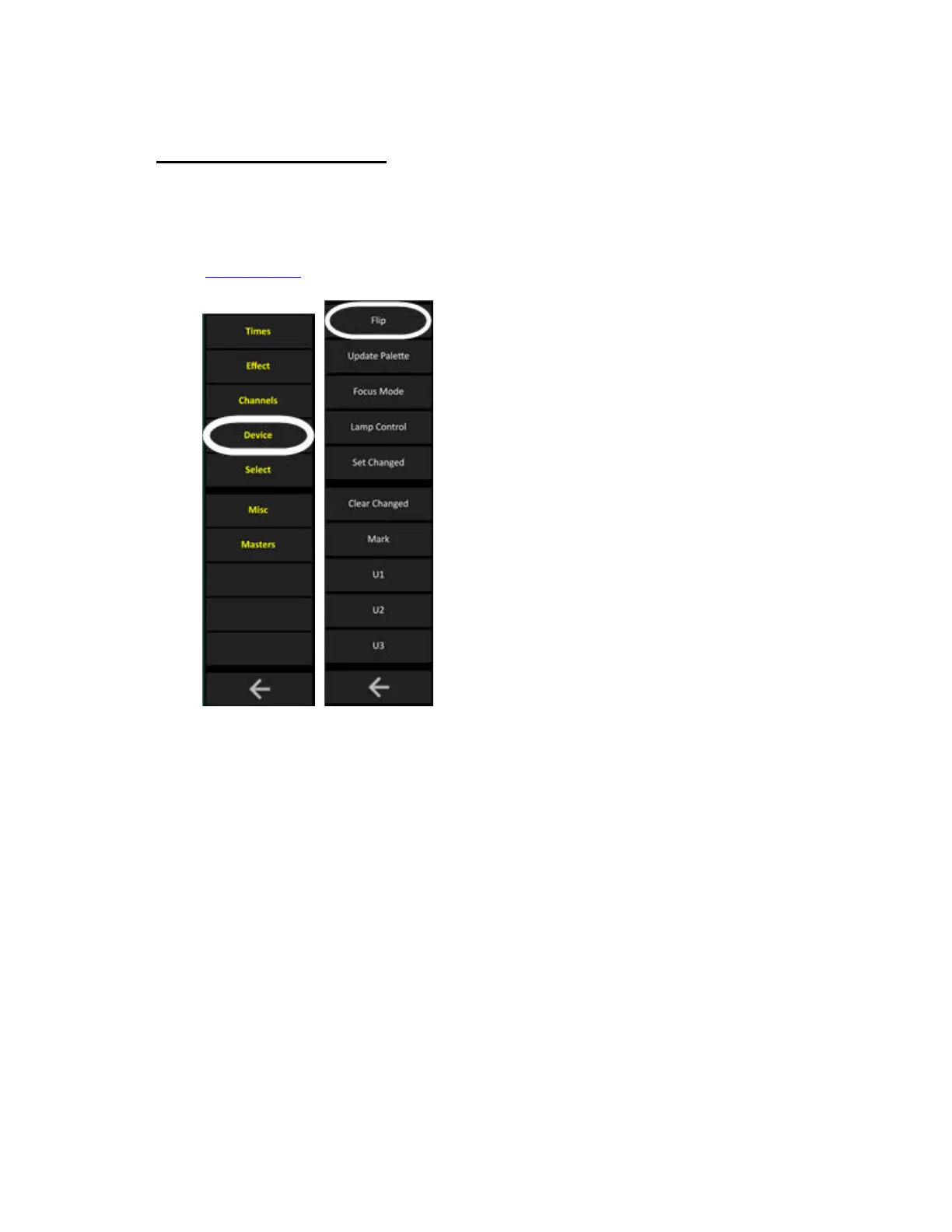
Select the device(s) you wish to flip, and press FLIP. To undo press FLIP again.



 To Next Page