Cobalt 8.1 - 20181029
856
Using a mouse or trackball
Function Keys Feedback
Using a mouse
lick
Click to select and hold
right key and move to set
levels. Click to add more,
double-click to deselect all
but the last clicked.
Open the Master Editor
[MODIFY] & click
The Master Editor is
opened.
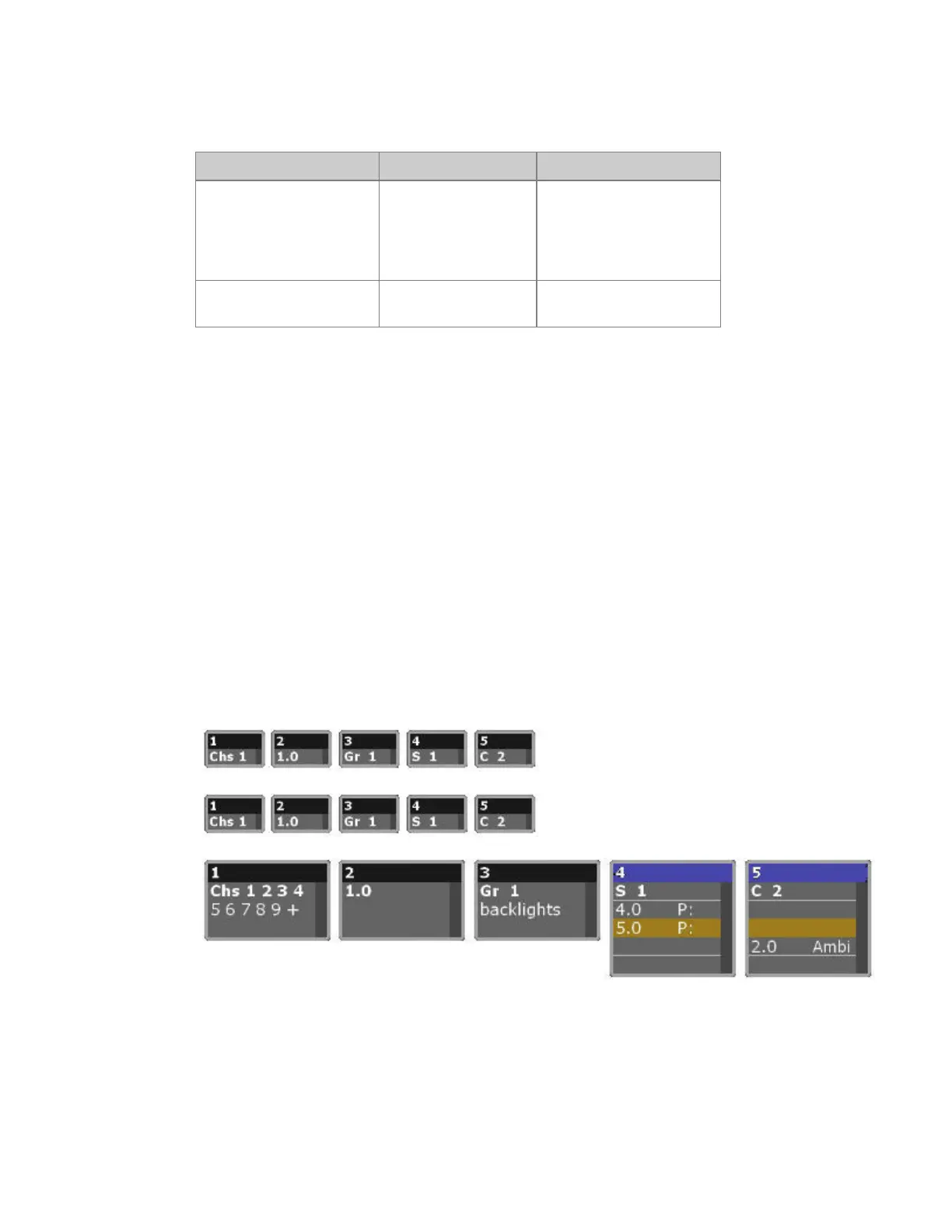
Master View - Formats
You can toggle between viewing formats by pressing FORMAT
• All Masters
• Selected Masters
• Active Masters
• Masters with content
You can toggle what is shown for a sequence or chase by holding FORMAT and pressing right/left
arrows
• Preset/text
• Preset/time
• Text
You can zoom the level of detail by holding FORMAT and pressing the up/down arrows.



 To Next Page