Cobalt 8.1 - 20181029
340
Record All Attributes for selected channels
Depending on how attribute recording is set up only changed moving device parameters are
recorded. You can record all parameters of the selected channels at any time with a shortcut (similar
to a block cue). See Device Recording - Introduction
.
Setting Key Feedback
Record selected
[RECORD] &
[ATTRIBUTES]
Record all attributes for the
selected channels to the
currently loaded Preset in
the A field.
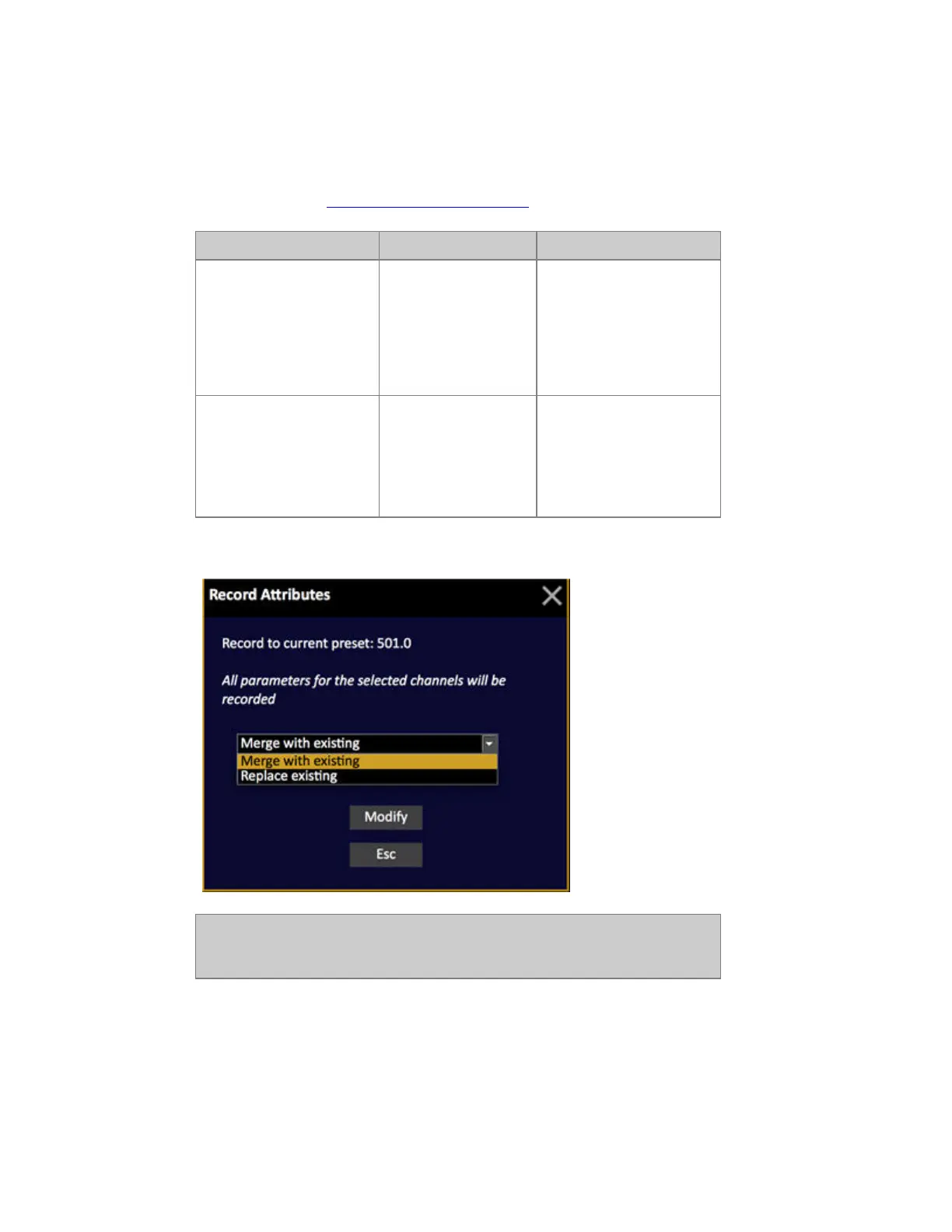
You will get a popup, see
below.
Record selected to...
[#] [RECORD] &
[ATTRIBUTES]
Record all attributes for the
selected channels to Preset
#.
You will get a popup, see
below.
This is the Record Attributes popup
NOTE
Control parameters are normally not recorded. However, many fixtures have
control on the Strobe parameter, which is recorded.



 To Next Page