Cobalt 8.1 - 20181029
655
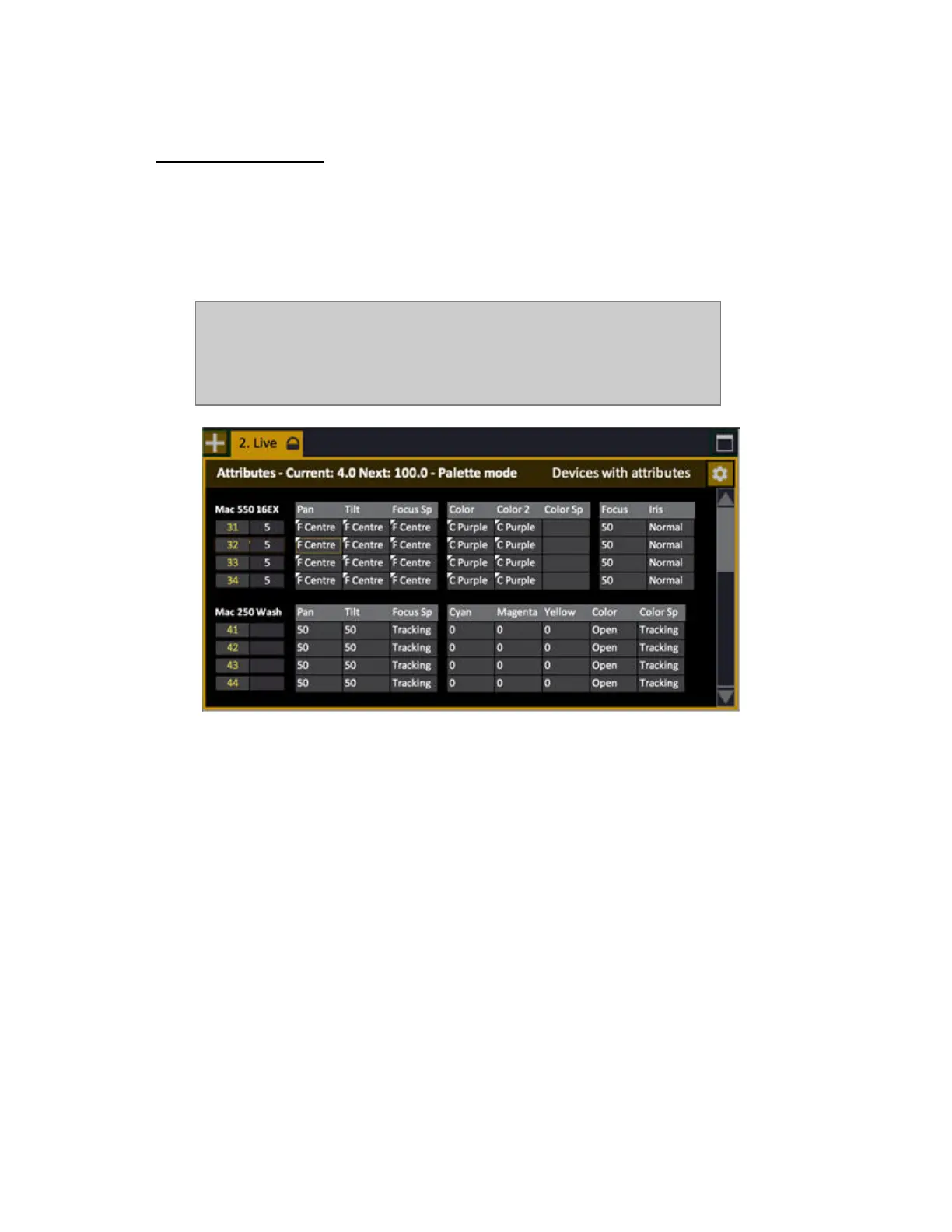
Live Attributes
In addition to the Attribute format of the Live tab you can view all moving device parameters in the
Live Attribute Editor.
This tab can only be opened from the Browser (Browser >Devices >Live Attributes). The functions
are the same as in any channel view with attributes.
NOTE
All attribute views need to be unlocked for screen editing by holding SETUP
& TAB and activating in the popup.
PARK works against selected cells when an Attribute View is open.
Hold FORMAT and press Right Arrow to show all parameters listed over each other, blanking out the
ones not relevant. Hold FORMAT and press Left Arrow to change back.
Running attributes are shown with yellow progress bars.



 To Next Page