Cobalt 8.1 - 20181029
375
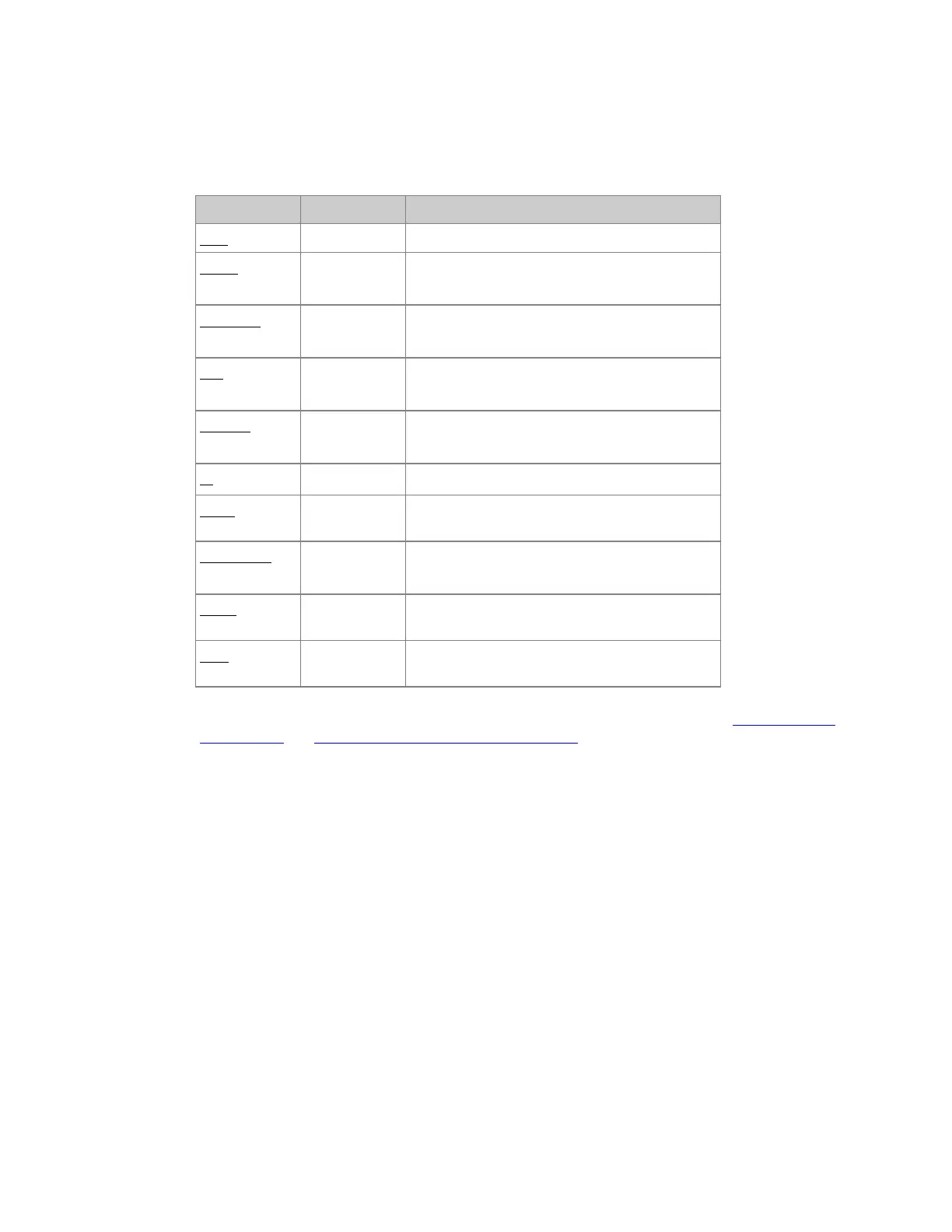
Sequence List - Columns
Part 1
Column Input Function
Step No input The number of this Step. Cannot be edited.
Preset
[#]
[MODIFY]
This is the number of the Preset in this step. It
can be edited with the Preset Change Wizard.
DelayOut
[#]
[MODIFY]
Edit the delay out time.
Out
[#]
[MODIFY]
Edit the Out time.
DelayIn
[#]
[MODIFY]
Edit the Delay In time.
In
[MODIFY]
Edit the In time.
WFA *
[MODIFY]
Toggle time type between Wait, Followon and
Alert.
WFA Time
[#]
[MODIFY]
Edit the (WFA) time.
Mode
[MODIFY]
Change fade mode. Select between crossfade (x)
movefade (m) lockfade (l) and split fade (s).
Text
[MODIFY]
Press MODIFY to activate and end text input.
This text is shown in the Playback views.
* You can toggle the time between two steps between Wait, Alert and Followon. See Sequence Times
- Alert Times and Sequence Times - WAF Wait & Followon Times



 To Next Page