Cobalt 8.1 - 20181029
144
Open
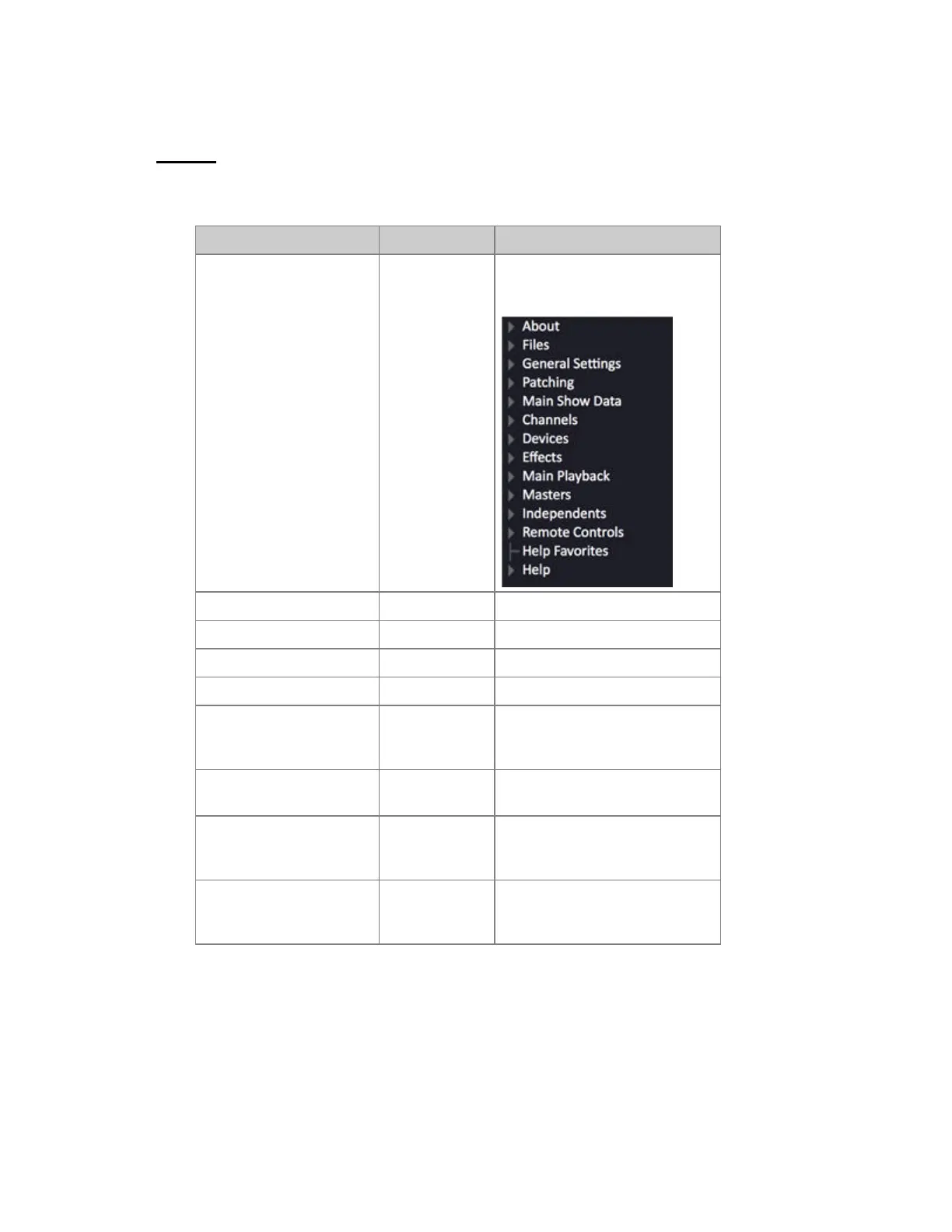
When you want to open a play, you use the "Open..." command (Browser >Files >Open).
Function Key Feedback
1. Select the Browser
[BROWSER]
The Browser is selected on the left
side of screen 1*
2. Go to "Files" at the top Arrow keys Files is marked in orange
3. Open the File node Right arrow Opens a subtree of functions.
4. Select "Open" Down arrow Open is highlighted.
5. Open this node Right arrow Opens a subtree of media choices.
6. Select Media Down arrow Selected media (Floppy, Play
Archive (HD) or USB) is
highlighted.
7. Open media archive Right arrow A subtree is opened with all plays
in the selected Media**
8. Load the selected play
[MODIFY]
Opens a popup. If there are
changes in your current play you
will be asked to save
9. Confirm (or don't)
[MODIFY]
Use arrow key to select your
choice and MODIFY to confirm
it. The selected Play is loaded.
*If the Browser already was selected, it will be closed. Press BROWSER again to reopen.
**If Floppy, File Server or USB files are not shown you can update this node by clicking on it.



 To Next Page